Bring Lyrics to Life — And So Much More
Create lyrics and karaoke effects with word-by-word timing, bilingual lyrics, and 50+ animation presets — no coding required. Export a finished video that's ready to play.
Five Steps to a Finished Karaoke Video
 01
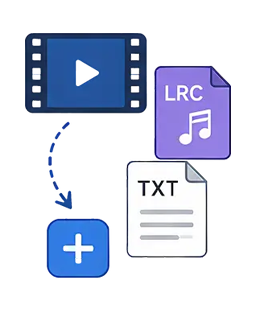
01Import Video, Create Lyrics
Import LRC, TXT, and more — timed lyrics are generated automatically
 02
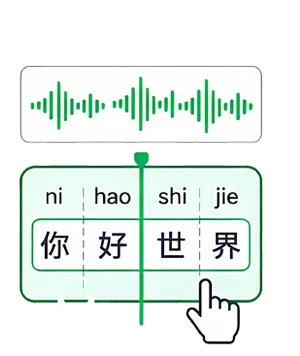
02Split Syllables (Auto or Manual)
Syllables are detected automatically, and you can adjust every character or syllable by hand
 03
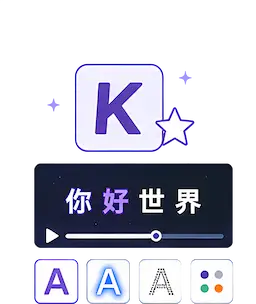
03Choose Karaoke Effects
Pick from a range of effects and adjust font, color, outline, glow, and more
 04
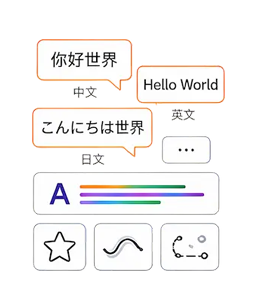
04Add Multilingual Lyrics & Animations
Create lyrics in multiple languages and add animated effects
 05
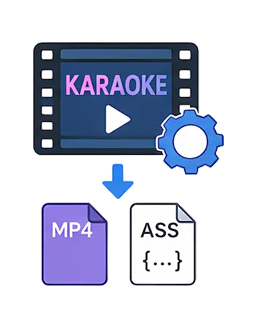
05Render & Export
Export karaoke video or ASS lyric files that play in all major players
Word-by-Word Highlighting for Music-Video-Quality Lyrics
12 animation types, 50+ presets, word-by-word or full-line highlighting, and custom Emoji. Make karaoke lyrics ready for commercial use in minutes.
50+ PRESETS · WORD / LINE MODE
Every Detail Your Karaoke Lyrics Need
Word-by-Word Timing
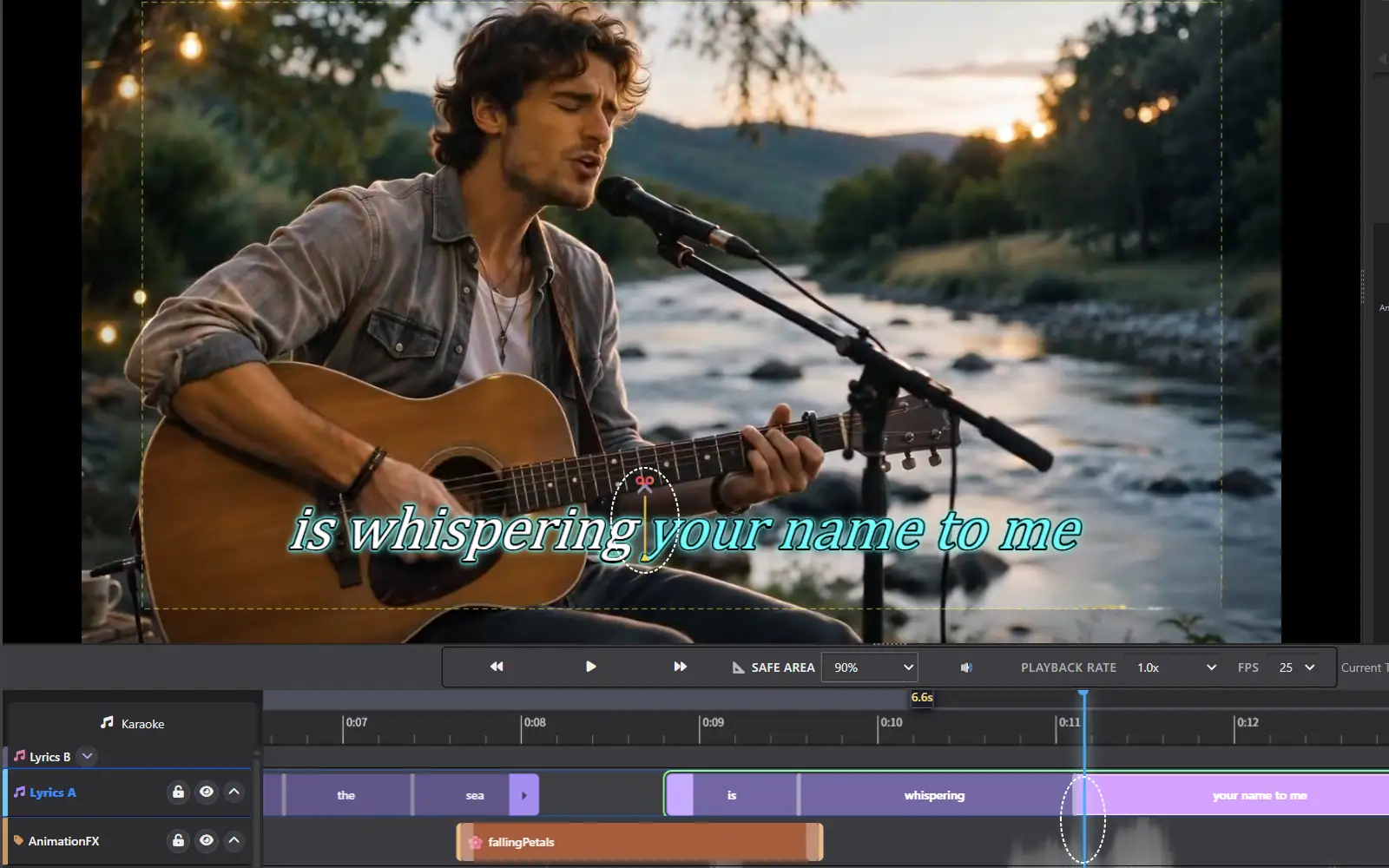
Tap out timing by clicking or pressing a key, then fine-tune against the audio waveform on the timeline. Every word enters, lights up, and exits right on the beat, so the lyrics move with the music.
Powerful Effects Engine
Choose word-by-word or full-line highlighting, with 50+ built-in karaoke animations — no code required. Animation type, color, gradient, outline, glow, and more are all customizable, so producing professional karaoke videos is easy.
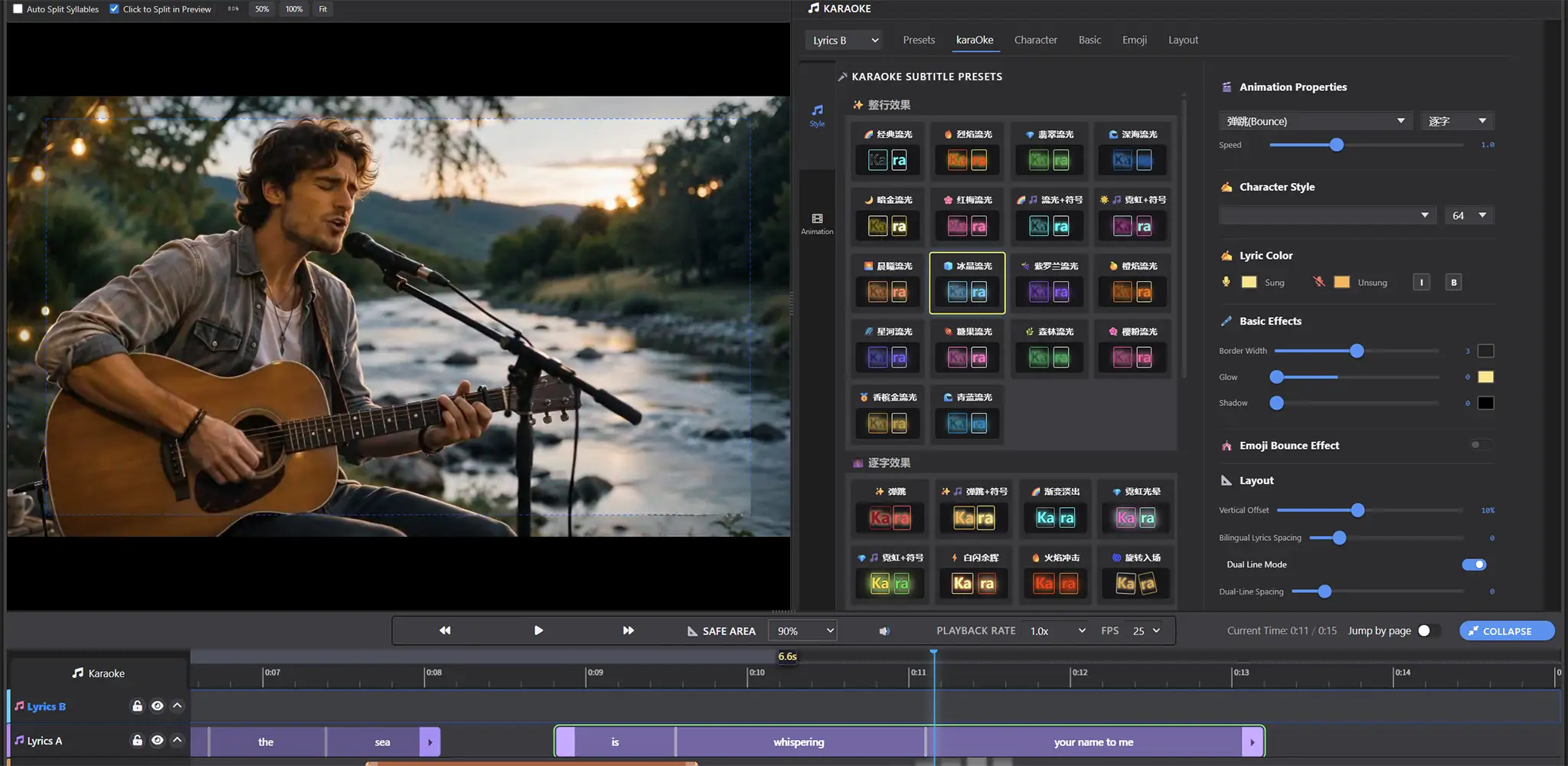
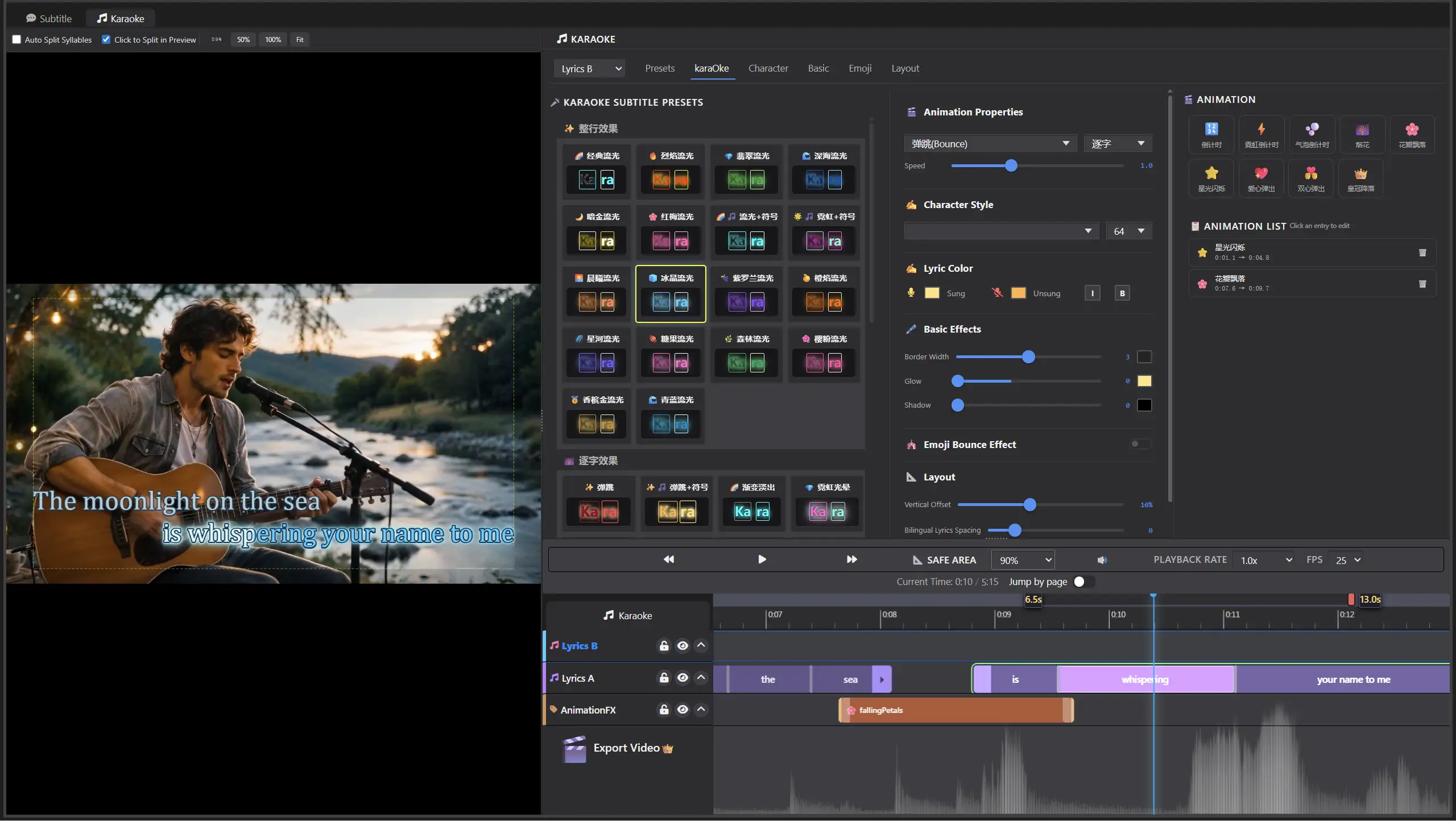
Your Visual Style
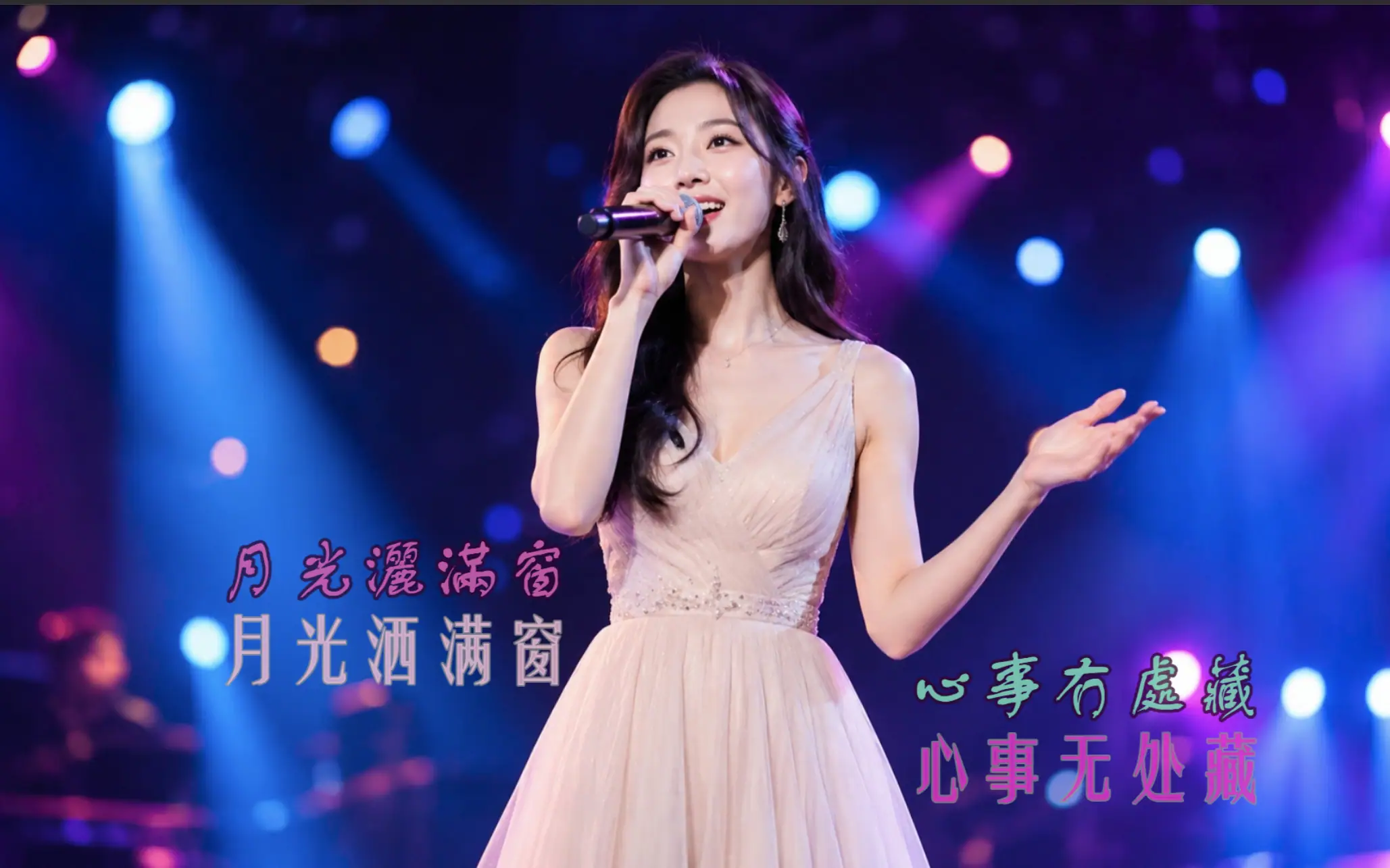
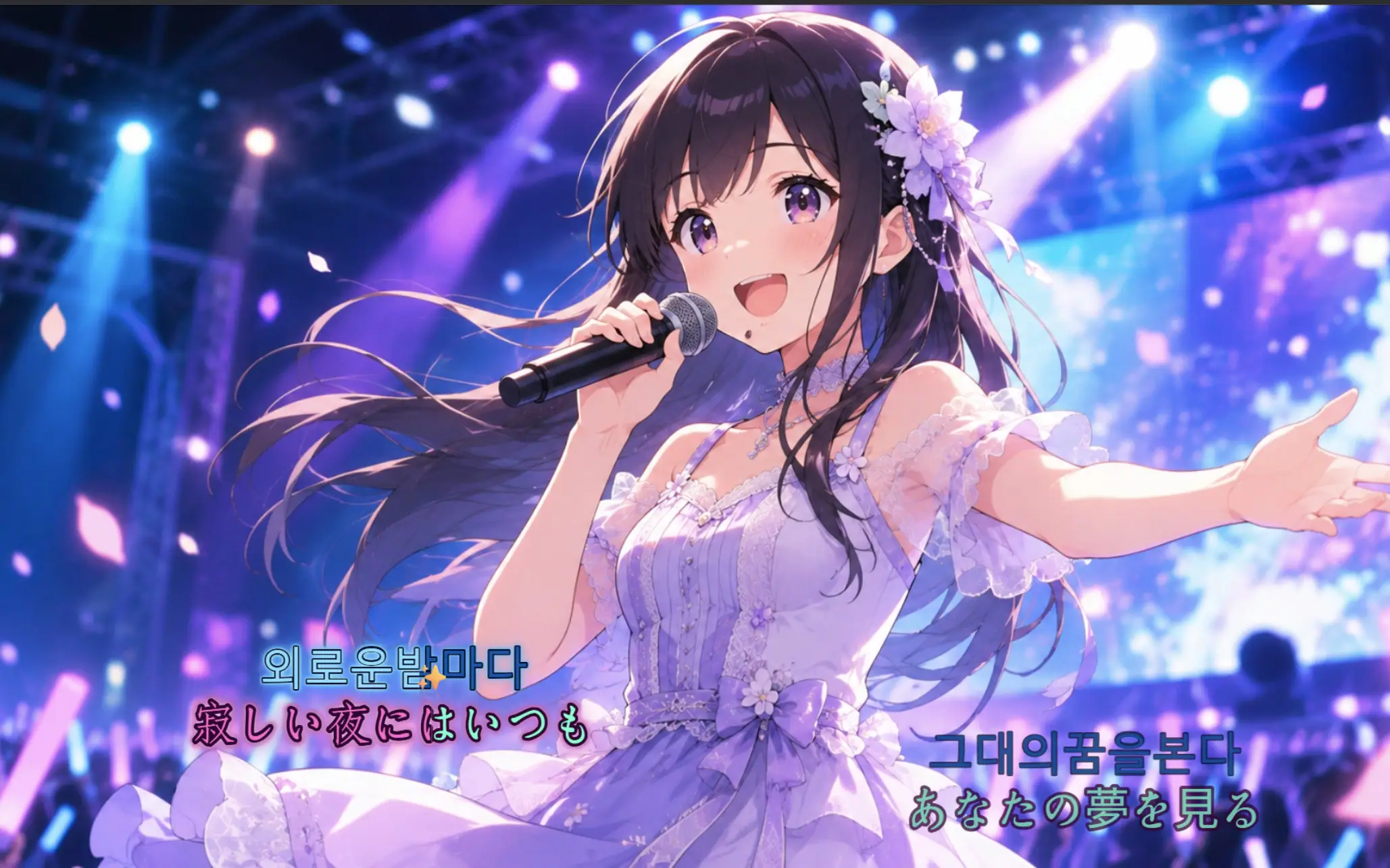
Two lyric tracks make bilingual karaoke easy, whether it's Chinese/English or Mandarin/Cantonese. Show one line or several, split lines into sections, and cue upcoming lines before they're sung. Custom Emoji can animate along with the lyrics — mix and match elements to give your video its own style.
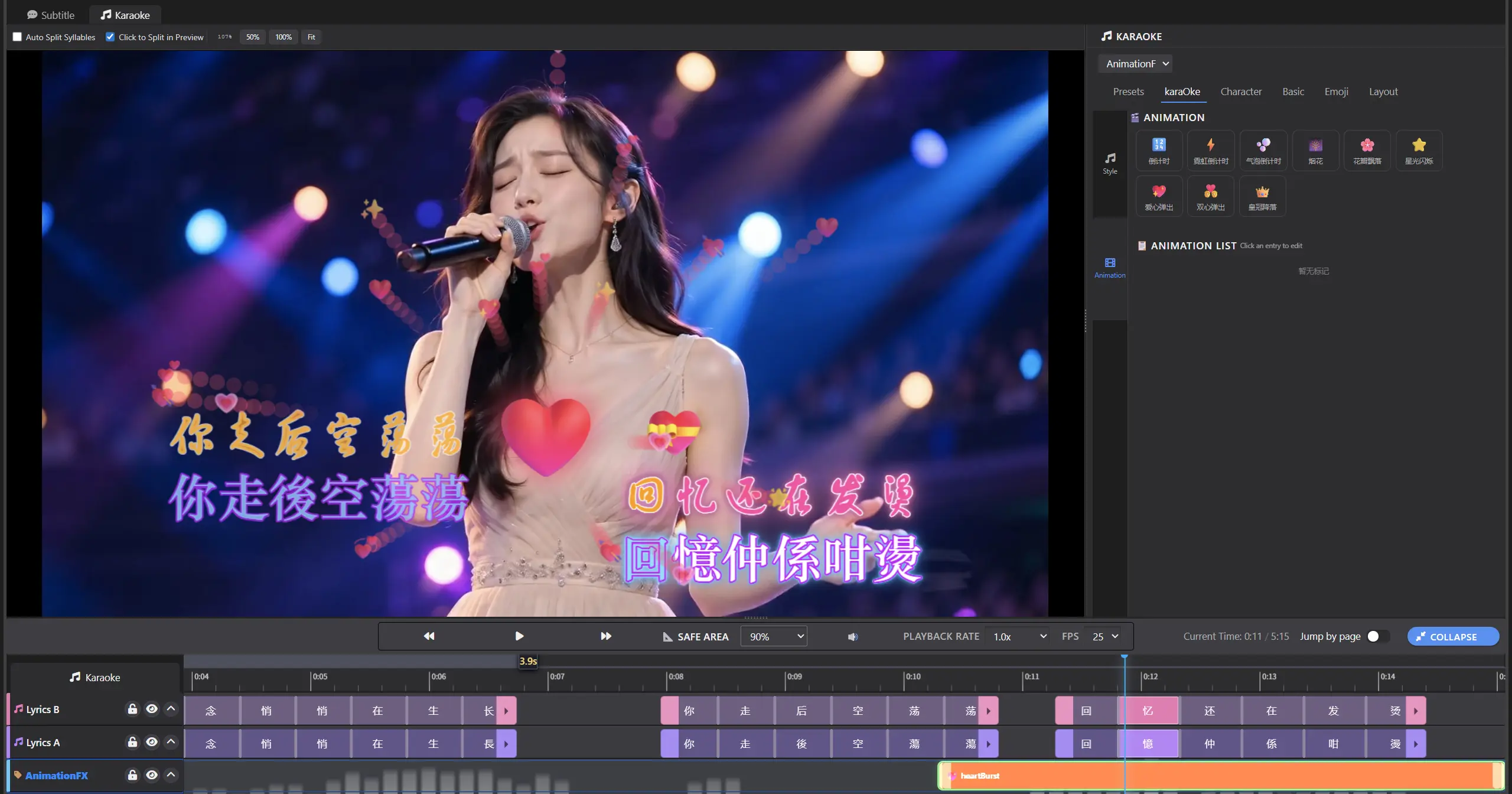
One-Click Burn to Video
Burn karaoke animations and effects straight into your video and export as MP4 at the resolution and bitrate you choose. It's one workflow from start to finish — no third-party tools needed.
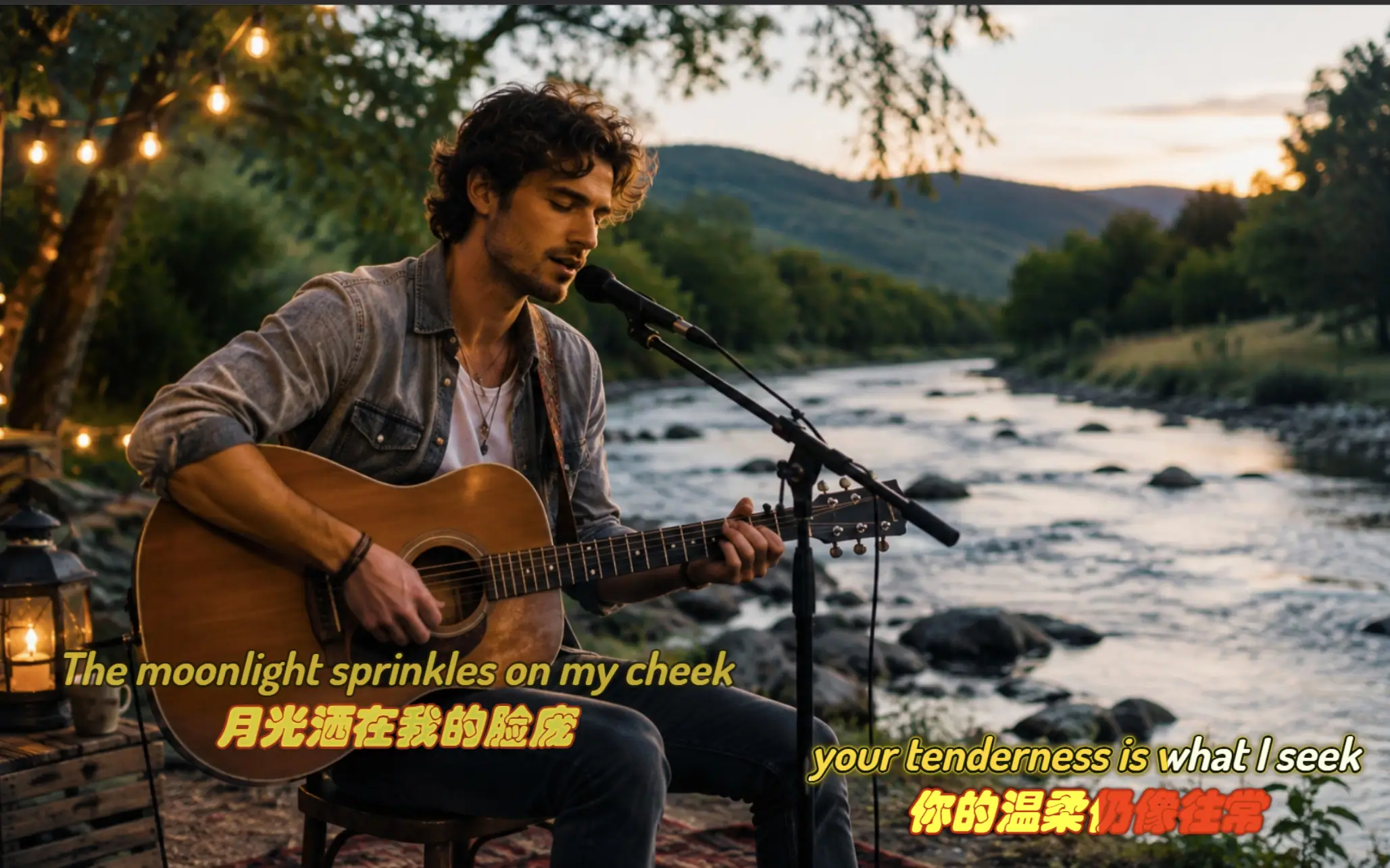
More Features
LRC Import, Text-to-Lyrics
Import LRC files or convert subtitles to lyrics to automatically generate lyric lines. Also supports text import or manual line-by-line lyric entry.
Tap-to-Time in Preview
Play the video and click each word in the preview as it's sung. For slower songs, one pass is often enough.
Waveform + Auto Timing
Turn on auto syllable splitting to time lyrics from their text and duration, then fine-tune individual syllable markers against the waveform for a tight fit.
Karaoke Effects System
50+ preset effect styles, with customizable animation, color, outline, glow, and shadow. Professional results out of the box.
Word / Line Rendering
Word-by-word and full-line highlighting modes to suit any genre or tempo.
Flying Emoji Effects
Custom Emoji fly in and out with the lyrics, adding fun and personality to your karaoke videos.
Bilingual Lyric Creation
Two built-in lyric tracks show bilingual lyrics on screen, with syllables and styles edited independently for each track.
One-Click Video Export
Karaoke mode burns effects straight into the video and exports MP4 at your chosen resolution and bitrate — exactly what you saw in the preview.
Live Preview
Preview the actual karaoke playback anytime while editing — no switching apps to check.
FAQ
Sublyric generates timing points for each character or syllable based on the line's length and duration. On fast songs that's usually on the beat right away. For slow songs or unclear vocals, fine-tune specific sections with syllable splitting. Either way, you're not starting from scratch, so it's much faster than timing by hand.
Yes. Sublyric includes 50+ karaoke lyric styles and Emoji animation presets. You apply styles and adjust animations by clicking and dragging in a visual interface — no writing or editing ASS scripts. The underlying effect files are generated for you, so you never need to learn script syntax.
Absolutely. Beyond the 50+ presets, you can adjust font, size, color, gradient, outline, shadow, and glow, and add custom flying Emoji and stickers to create a look that's entirely your own.
Not at all. You get two independent lyric tracks. Create or import each language separately, or duplicate one track and let the built-in AI translation fill in the second language. Everything happens in the same window — no switching between projects.
Yes. The lyrics and effects you see in the preview are burned into the video on export, producing a standard MP4 at the resolution and bitrate you set. It plays in any media player, on short-video platforms, or in a live-stream setup — no plugins or extra processing.