AI Subtitle SoftwareTranscribe, translate, and create karaoke videos — all in one app.
- Offline transcription
- 100+ languages
- 50+ karaoke effects
- SRT / ASS / MP4
Translate subtitles into
- 简体中文
- 繁體中文
- English
- 日本語
- 한국어
- Español
- Français
- Deutsch
- Português
- Italiano
- Русский
- العربية
- ไทย
- Tiếng Việt
- Bahasa Indonesia
- Bahasa Melayu
- Türkçe
- हिन्दी
- Nederlands
What people make with it
- Karaoke music videos
- Anime & film fansubs
- Vlogs
- Online courses & lectures
- Bilingual podcasts
- Stream highlights
- Short-form videos
- Live concerts
- Product launches
- Gameplay videos
Professional Subtitles, Powered by AI
AI speeds up every step, from transcription and translation to final export.
AI Transcription · Alignment · Translation
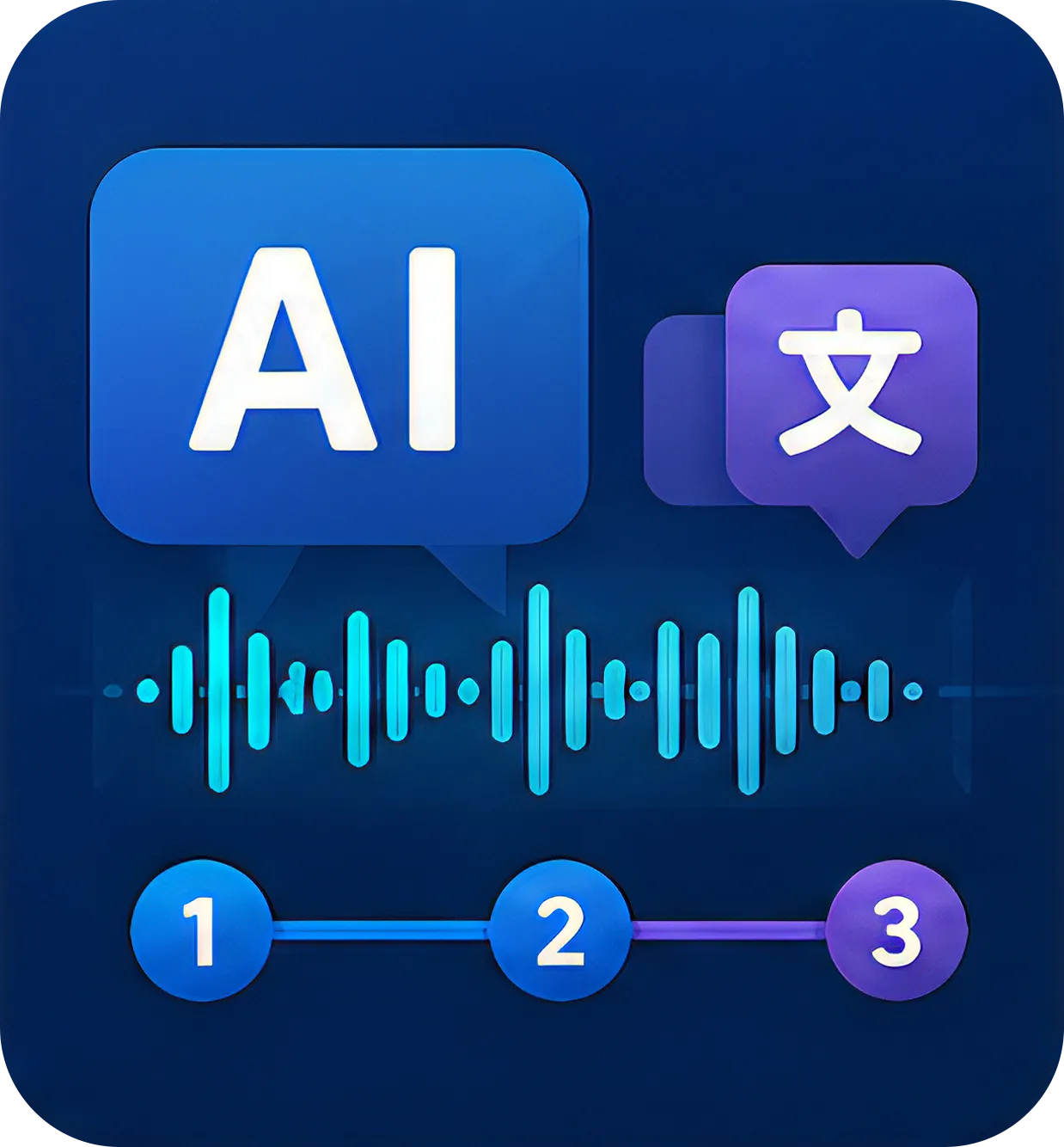
Transcription, alignment, and translation work together in one flow. High-accuracy speech recognition transcribes your audio or video fast, lines everything up on the timeline, and translates it into the languages you need. Import a file, pick your languages, hit export — you get a complete subtitle project without juggling multiple tools or fixing timing by hand.
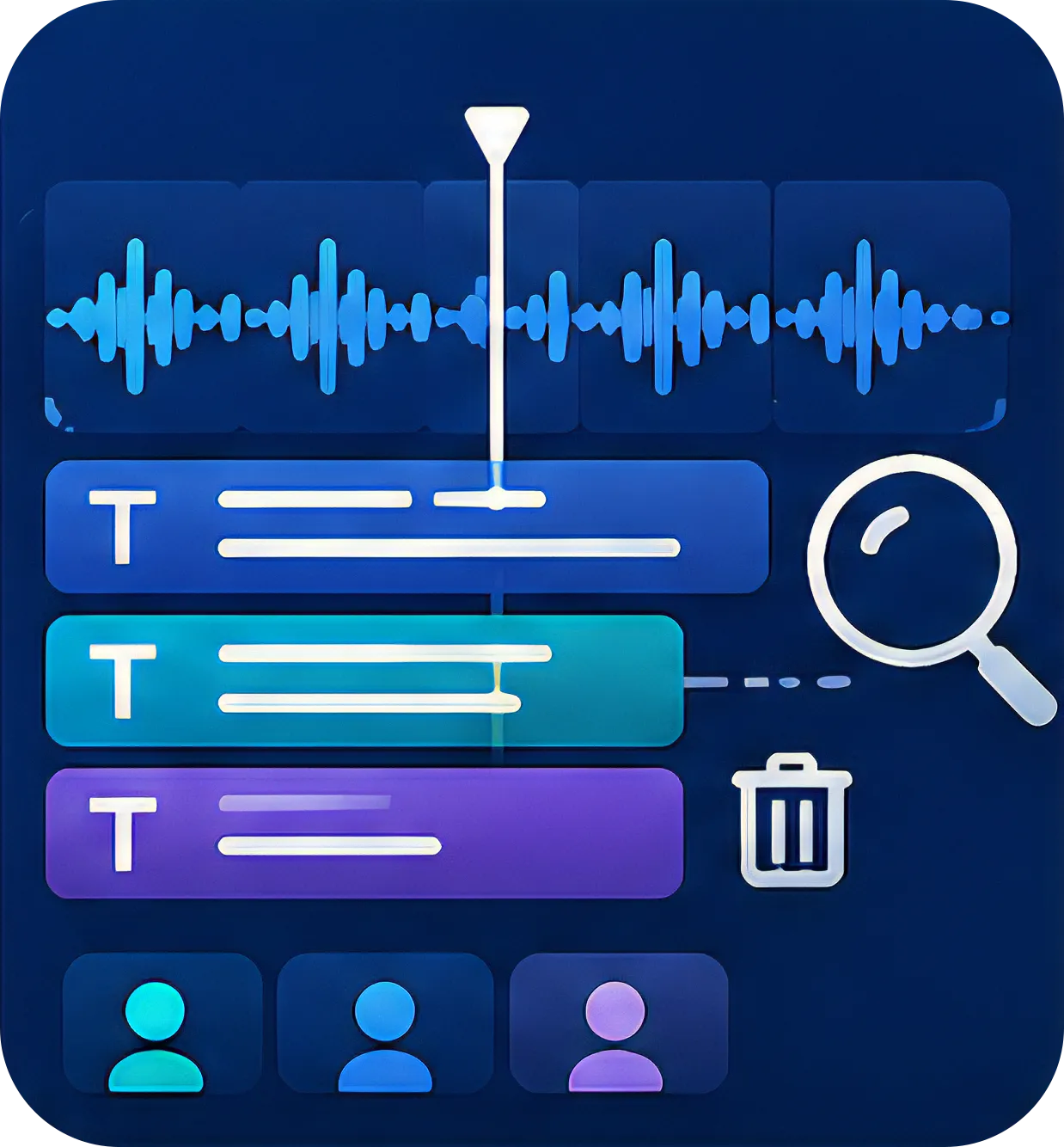
Pro-Grade Editing Tools
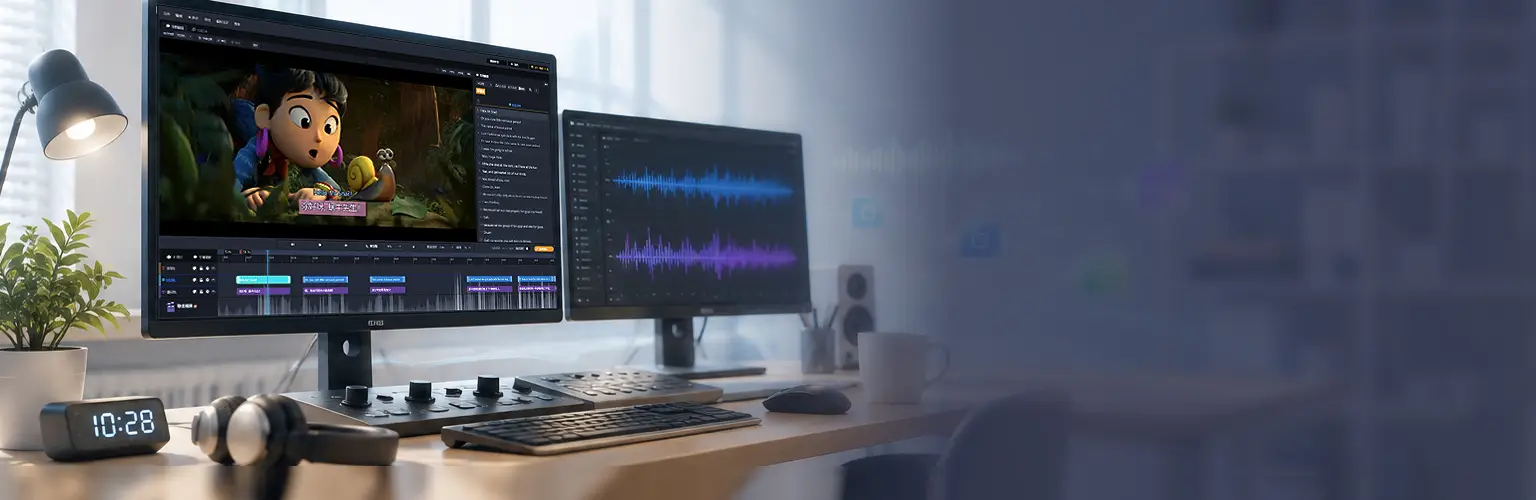
Multi-track subtitles sit on one interactive timeline alongside the audio waveform. A CPS (characters per second) indicator and a text cleanup tool speed up proofreading. Every adjustment is precise to the millisecond, with a full set of keyboard shortcuts and the JKL playback controls video editors already know.

Real-Time Preview & Proofing
The preview shows your subtitle styles exactly as they'll render. Double-click any subtitle on the video to edit its text — no switching panels, no breaking your flow. Fewer jumps between screens means fewer distractions and fewer mistakes during review.
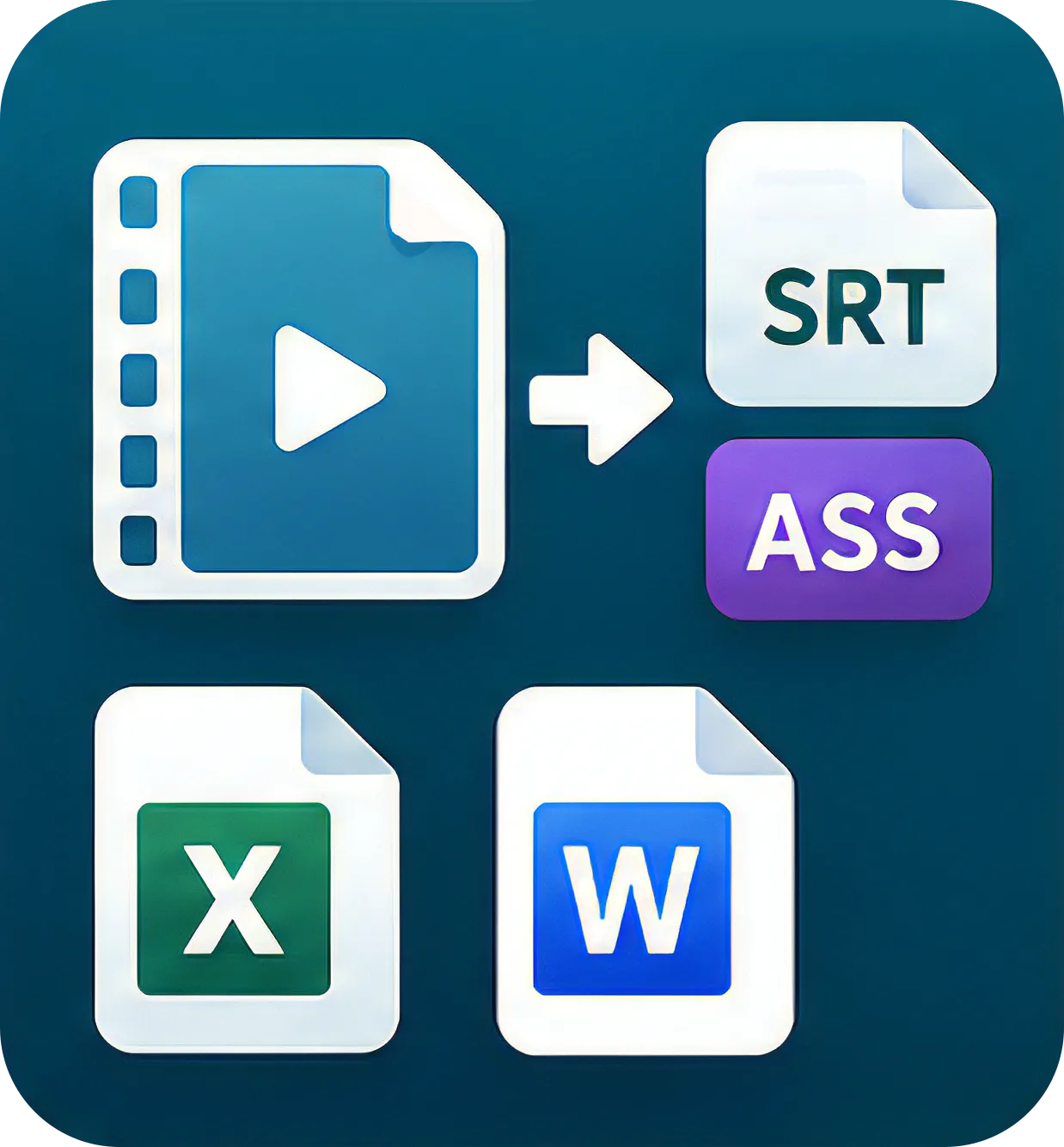
Export in Every Format You Need
Export finished video, or subtitle files in SRT and ASS, plus Excel spreadsheets and Word documents. Pick the format your client or platform needs — no third-party converters required.

Switch Between Landscape and Portrait Layouts
Choose 16:9 landscape or 9:16 portrait and the interface rearranges itself. Works for both subtitles and karaoke, so long-form and short-form videos are equally easy to edit.

Bring Lyrics to Life — And So Much More
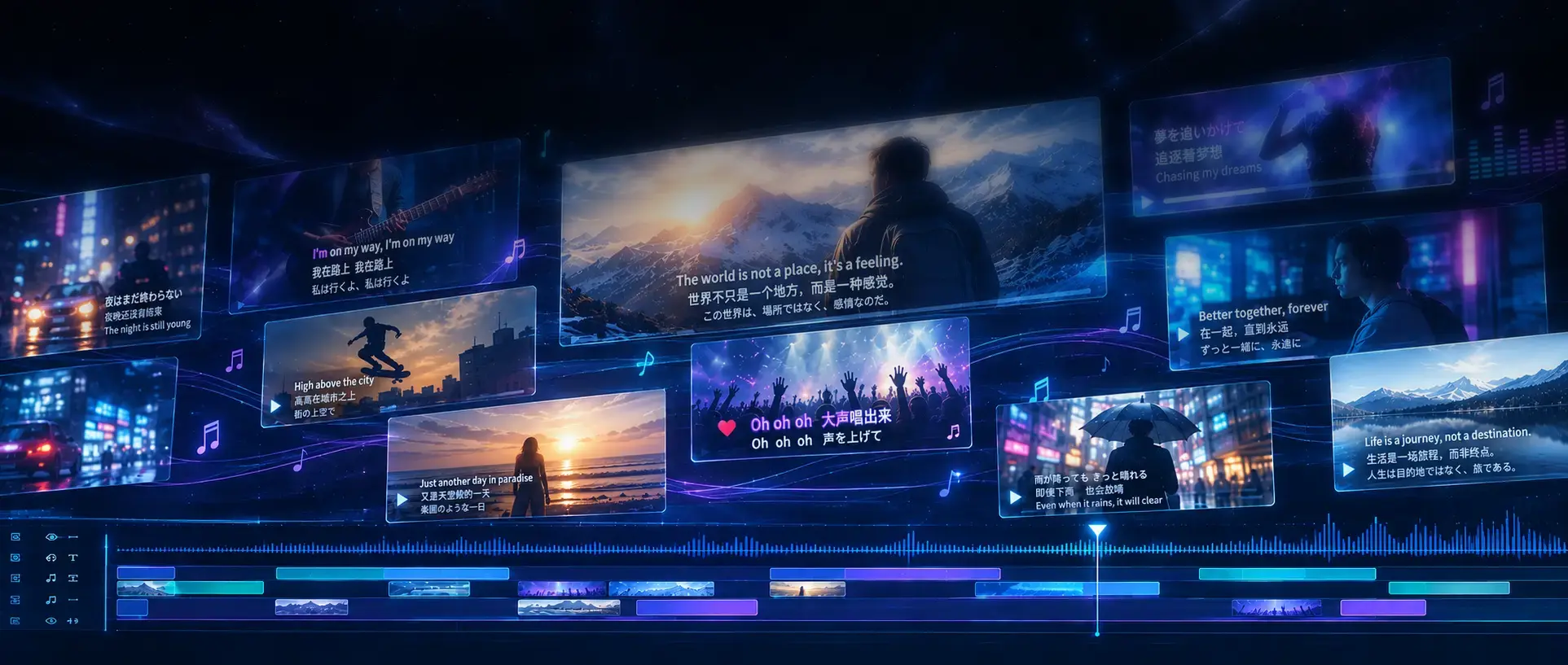
Tap out timing word by word, apply any of 50+ effect presets in one click, and make karaoke videos without writing a line of code.
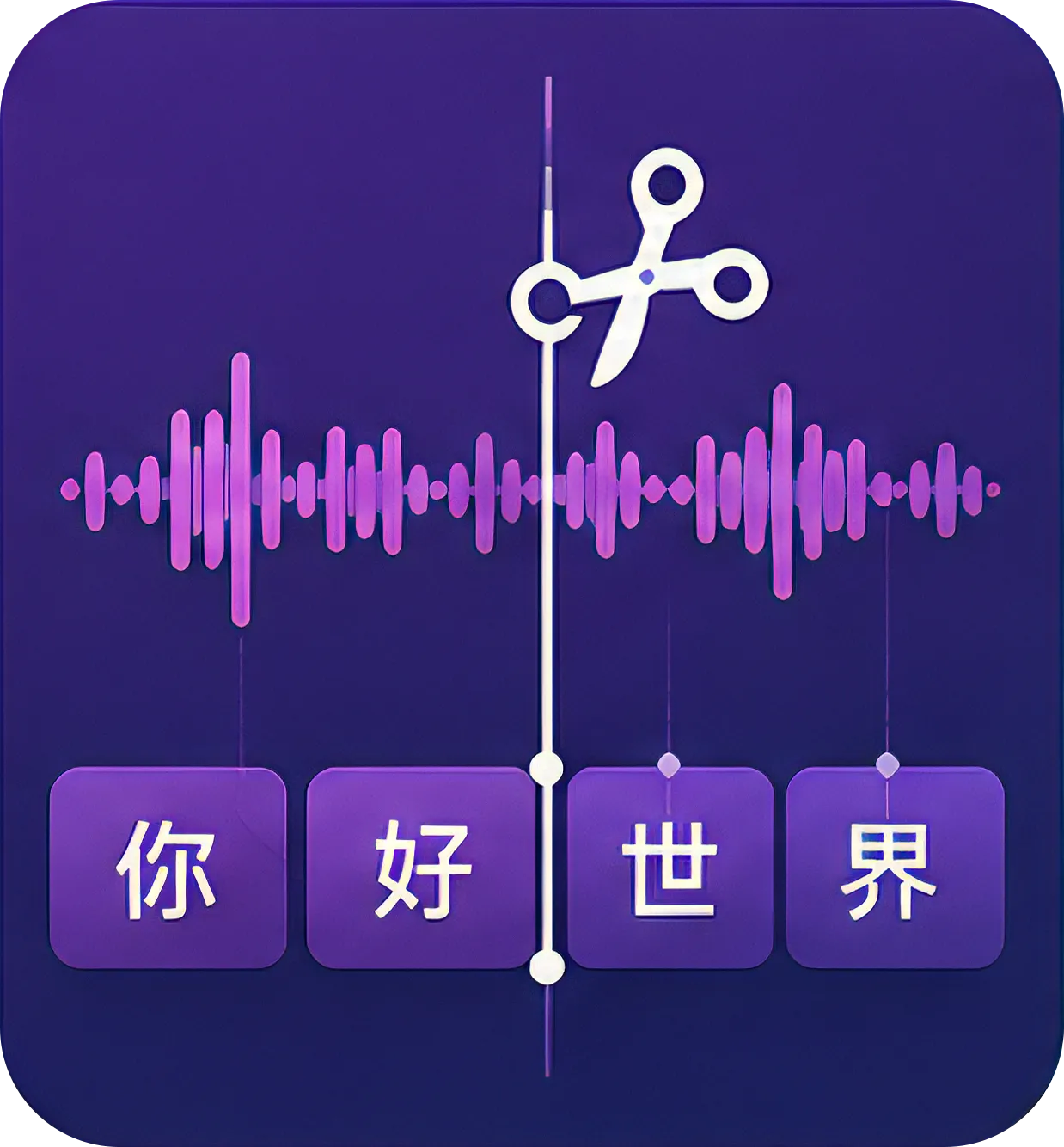
Smart Syllable Splitting (K-Cut)
Speech recognition generates a first pass of syllable splits automatically. You can then fine-tune each split point in the preview or on the timeline, so every highlight lands exactly on the beat — tight enough for lip-sync and professional music video work.
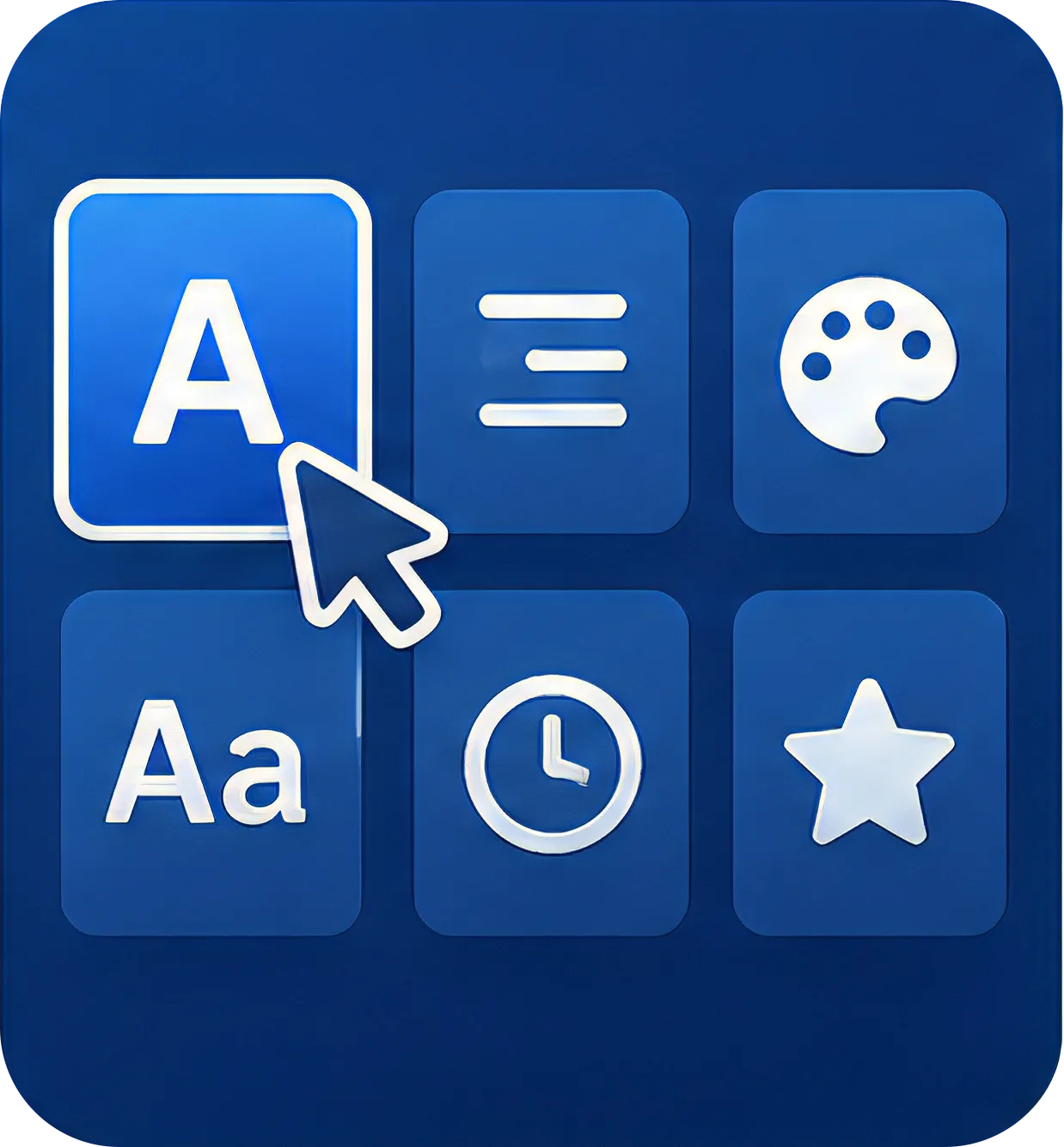
No Coding Required
Sublyric ships with a library of karaoke lyric styles and animation presets. Click to apply the look you want — no code, no timecode scripting. The steep learning curve of hand-written karaoke effects is gone, and you finish faster.
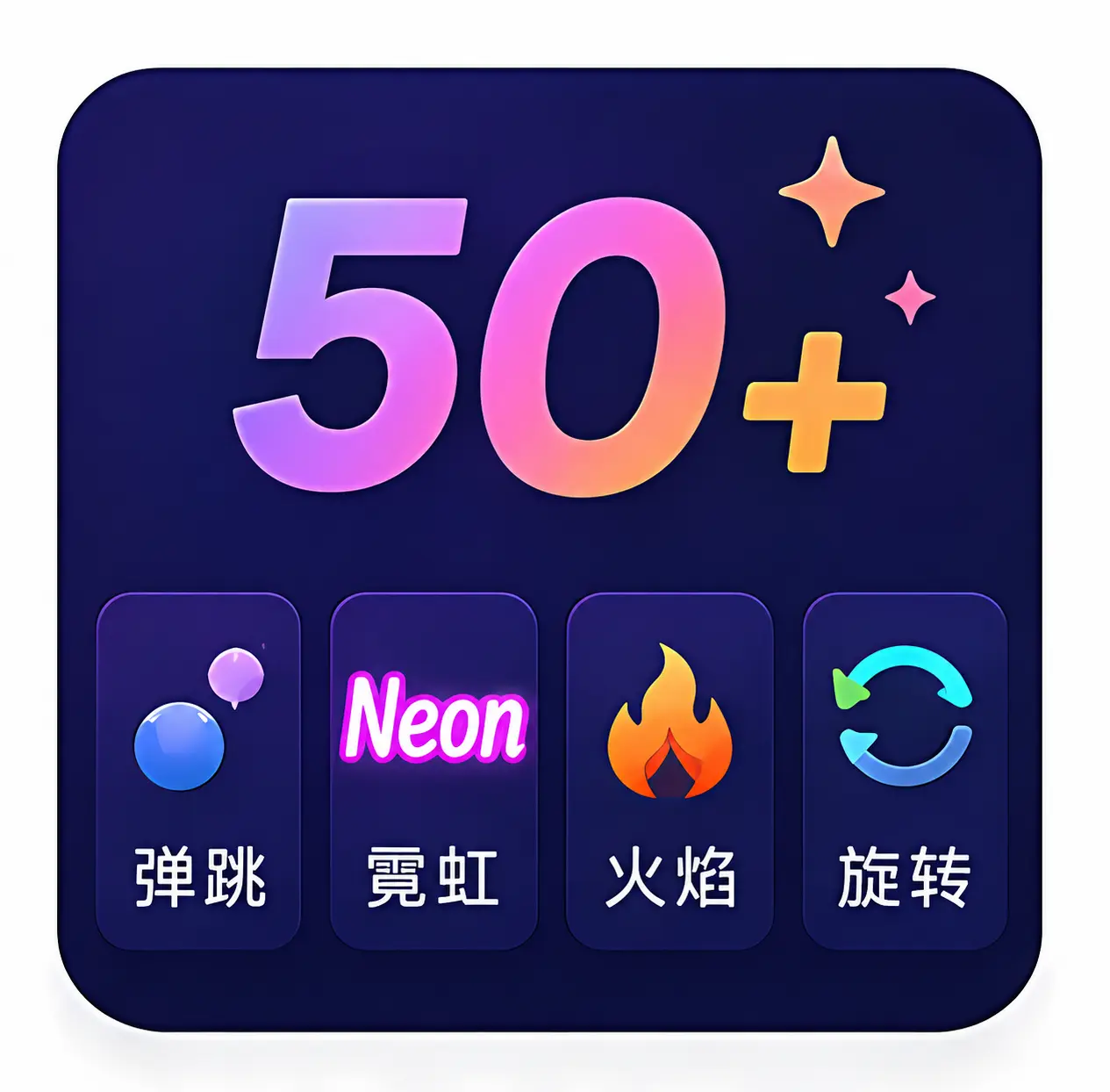
50+ Animated Presets
Bounce, neon, flame, spin, and dozens more — 50+ animated effects in styles from techy to trendy to high-energy. Click to apply, with no parameter tweaking or extra editing, and turn videos around fast for any occasion.
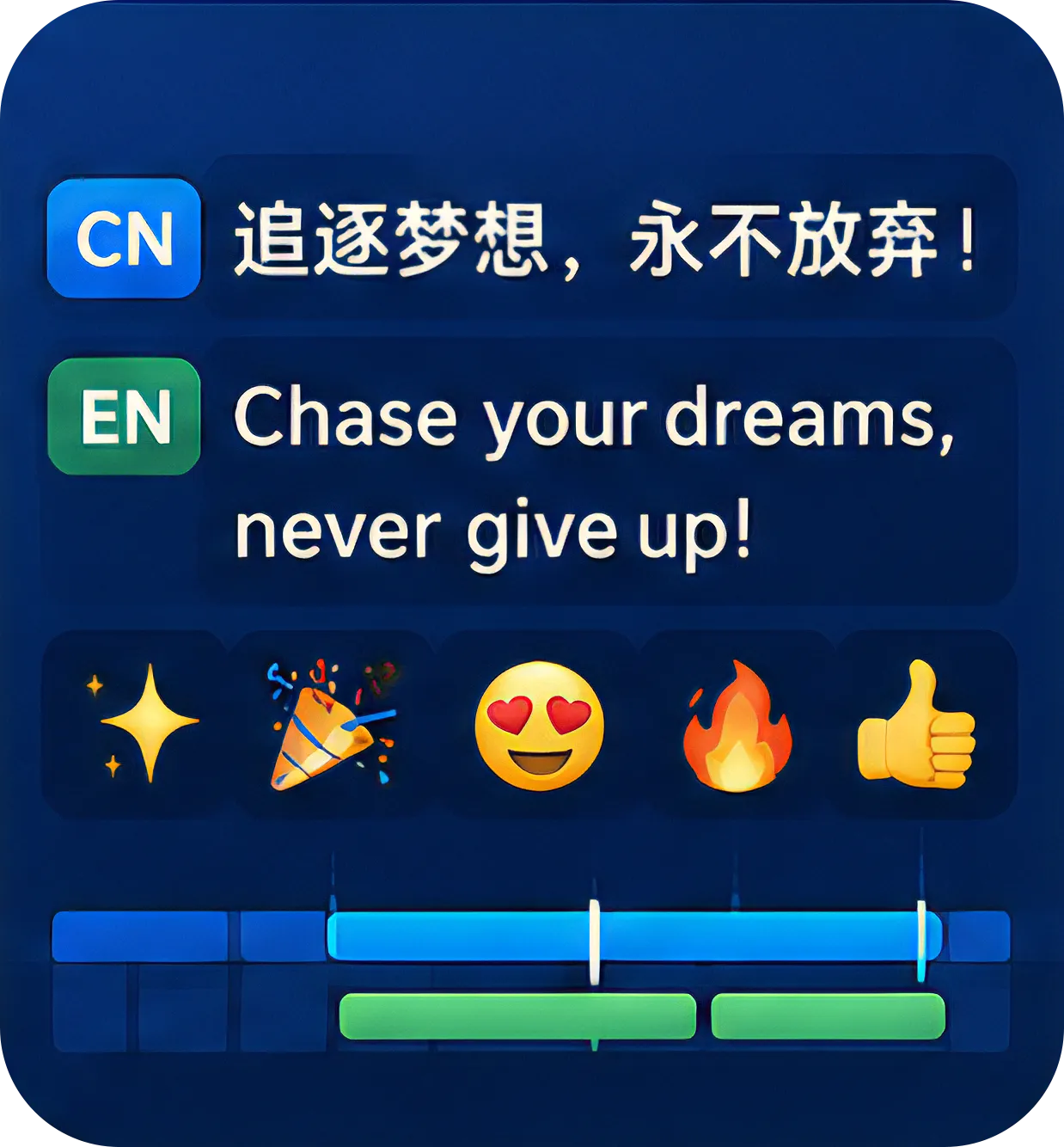
Bilingual + Emoji Overlay
Create and edit bilingual lyrics in any language pair — Chinese/English, Mandarin/Cantonese, and more — with both languages shown on screen together. Add Emoji overlays for extra personality and reach audiences across languages.
Learn with Tutorials and Real-World Examples
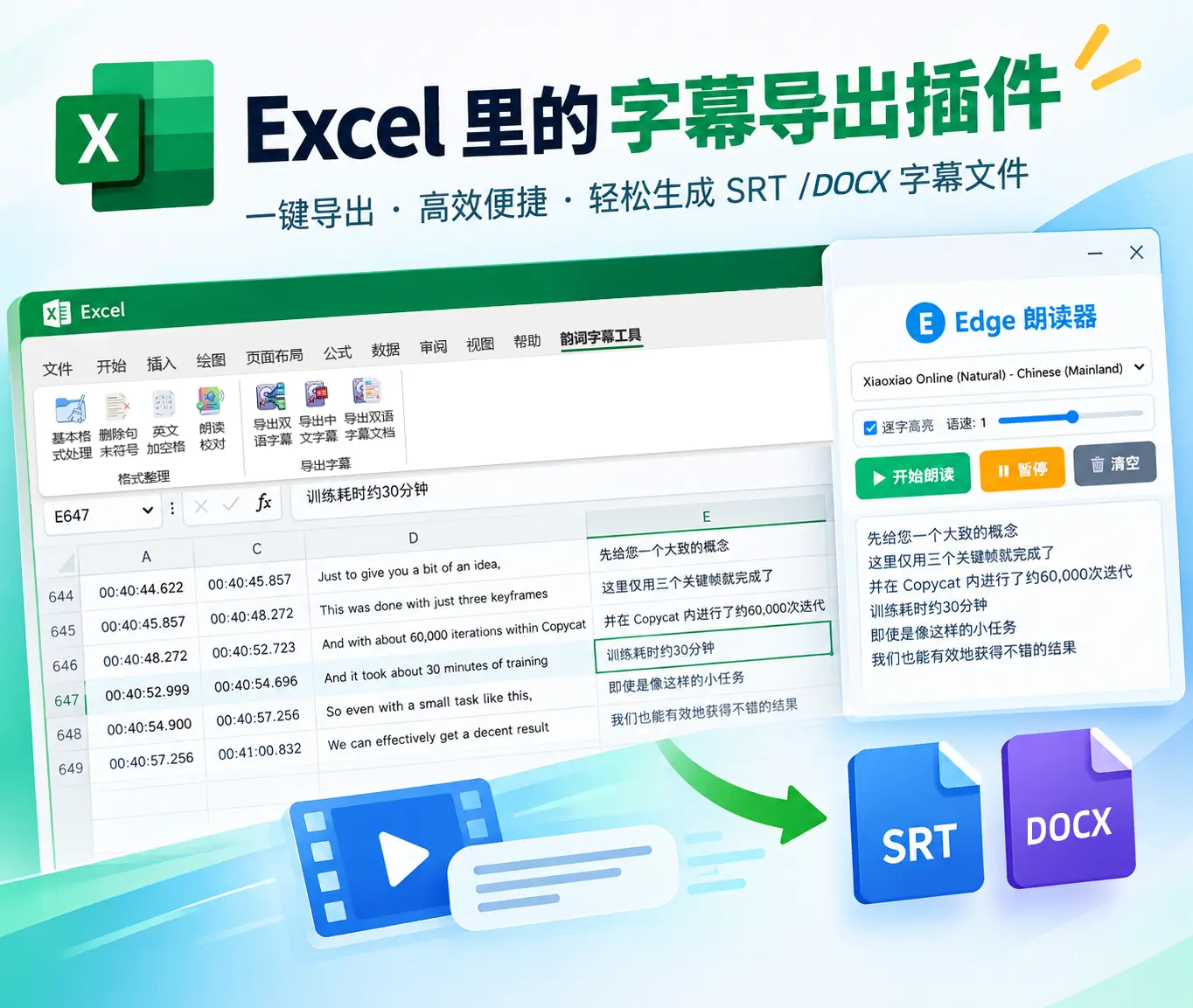 Excel subtitle cleanup add-in教程
Excel Subtitle Cleanup Tutorial · Sublyric
A free, open-source Excel add-in for subtitle cleanup: fix formatting, proofread by ear, and export to SRT or Word in one click. It's the perfect companion to Sublyric. Once your text is clean, drag it straight into Sublyric for translation, timeline fine-tuning, and karaoke effects, and take it all the way from first draft to finished video.
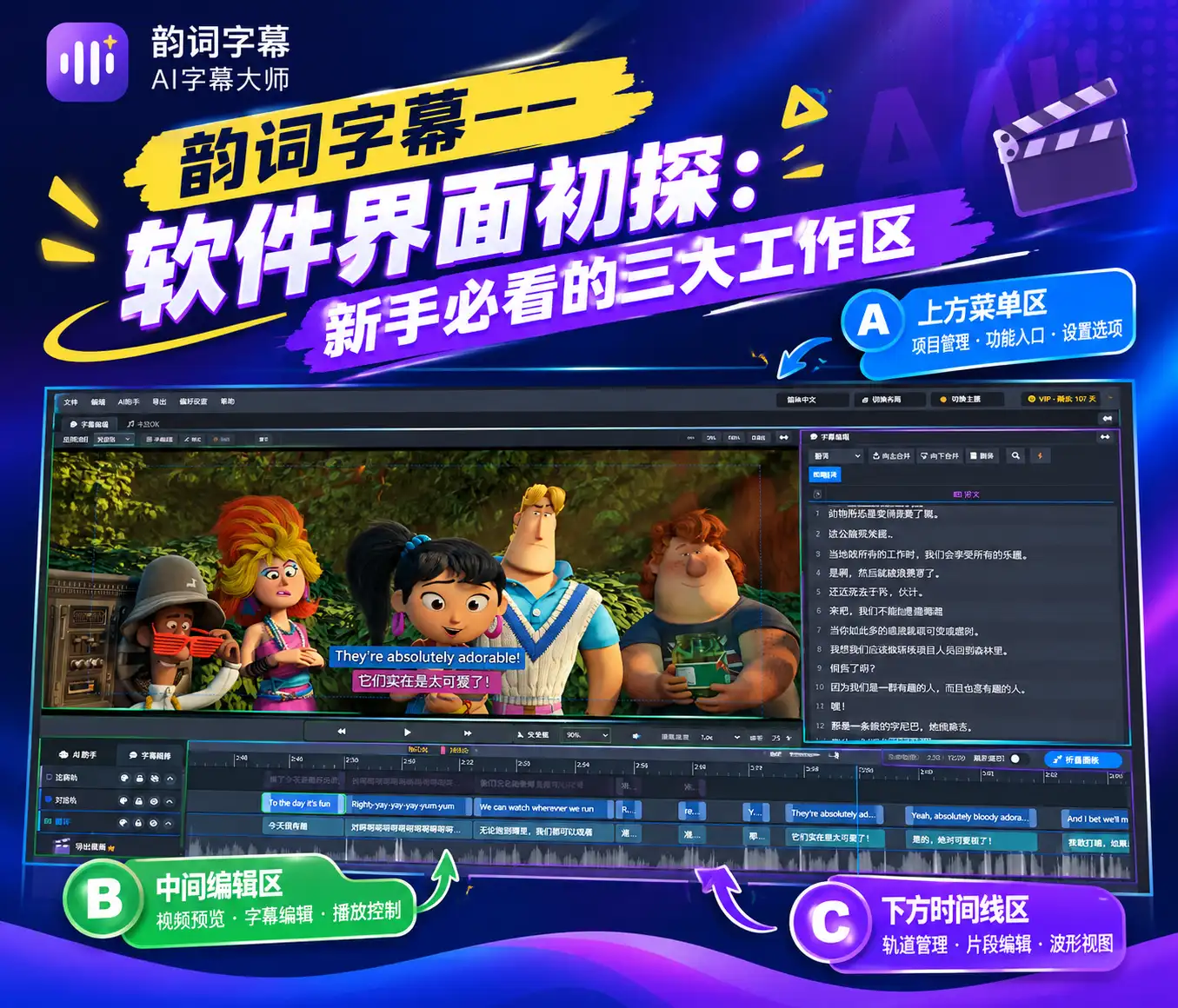 Getting Started教程
Sublyric Interface Explained: The Three Workspaces Every Beginner Should Know
The Sublyric interface is split into three horizontal rows, A, B, and C, from top to bottom. Row A holds the menus and mode switcher, Row B the video preview and subtitle list, and Row C the tracks and timeline for fine-tuning subtitle timing.
 Getting Started教程
What Is Sublyric? A Complete Guide to Features and System Requirements
Sublyric is subtitle and karaoke lyrics software built around large AI models. It handles one-click speech-to-subtitle transcription, multilingual AI translation, custom subtitle styles, and karaoke effects, and it can burn subtitles straight into your video on export. The entire workflow, in one place.
 Subtitle creation, AI tools, video post-production, karaoke effects, timeline fine-tuning, keyboard shortcuts教程
Sublyric Tutorial Center
Go from zero to producing a finished video with karaoke effects on your own. 10 hands-on tutorials cover the entire workflow. The first 2 give you the big picture, and the other 8 each tackle a specific scenario, so when you hit a problem you can find the right guide by title.
Break Language Barriers. Bridge Cultures. Move Every Audience.
Download Sublyric for free and start creating today.