

Learn with Tutorials and Real-World Examples
From beginner guides to advanced tips, plus real stories from fansub groups, localization teams, and independent creators.
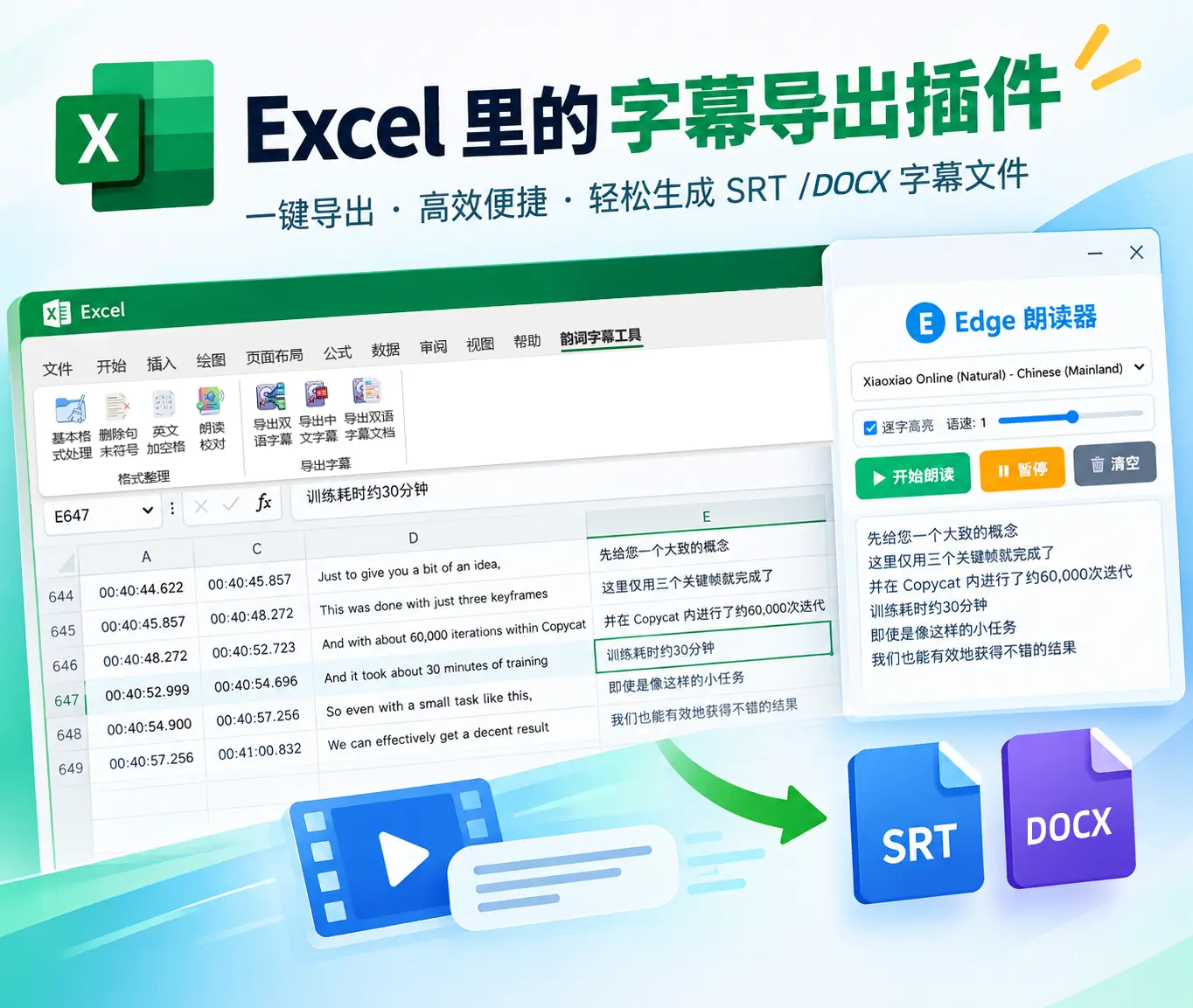 Excel subtitle cleanup add-in教程
Excel Subtitle Cleanup Tutorial · Sublyric
A free, open-source Excel add-in for subtitle cleanup: fix formatting, proofread by ear, and export to SRT or Word in one click. It's the perfect companion to Sublyric. Once your text is clean, drag it straight into Sublyric for translation, timeline fine-tuning, and karaoke effects, and take it all the way from first draft to finished video.
 Getting Started教程
Sublyric Interface Explained: The Three Workspaces Every Beginner Should Know
The Sublyric interface is split into three horizontal rows, A, B, and C, from top to bottom. Row A holds the menus and mode switcher, Row B the video preview and subtitle list, and Row C the tracks and timeline for fine-tuning subtitle timing.
 Getting Started教程
What Is Sublyric? A Complete Guide to Features and System Requirements
Sublyric is subtitle and karaoke lyrics software built around large AI models. It handles one-click speech-to-subtitle transcription, multilingual AI translation, custom subtitle styles, and karaoke effects, and it can burn subtitles straight into your video on export. The entire workflow, in one place.
 Subtitle creation, AI tools, video post-production, karaoke effects, timeline fine-tuning, keyboard shortcuts教程
Sublyric Tutorial Center
Go from zero to producing a finished video with karaoke effects on your own. 10 hands-on tutorials cover the entire workflow. The first 2 give you the big picture, and the other 8 each tackle a specific scenario, so when you hit a problem you can find the right guide by title.
Ready to Try It Yourself?
Download Free