
Professional Subtitles, Powered by AI
AI transcribes locally in one click. Add bilingual subtitles, translate instantly, and use CPS warnings and Emoji tags to edit and proofread faster — then export your video with no hassle.
A Complete Subtitle Workflow in Five Steps
 01
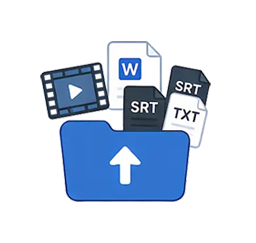
01Import Source Material
Video, Word, SRT, or TXT files
 02
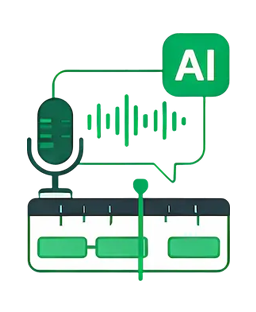
02AI Transcription & Auto-Timing (Local)
Speech recognition and automatic timing
 03
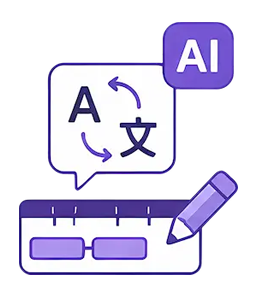
03AI Translation & Subtitle Refinement
AI translation, proofreading, and polish
 04
04Styling
Fonts, colors, position, and effects
 05
05Export & Archive
Render video, export and archive
A Professional Subtitle Workstation — Everything You Need
One-Click AI Drafts
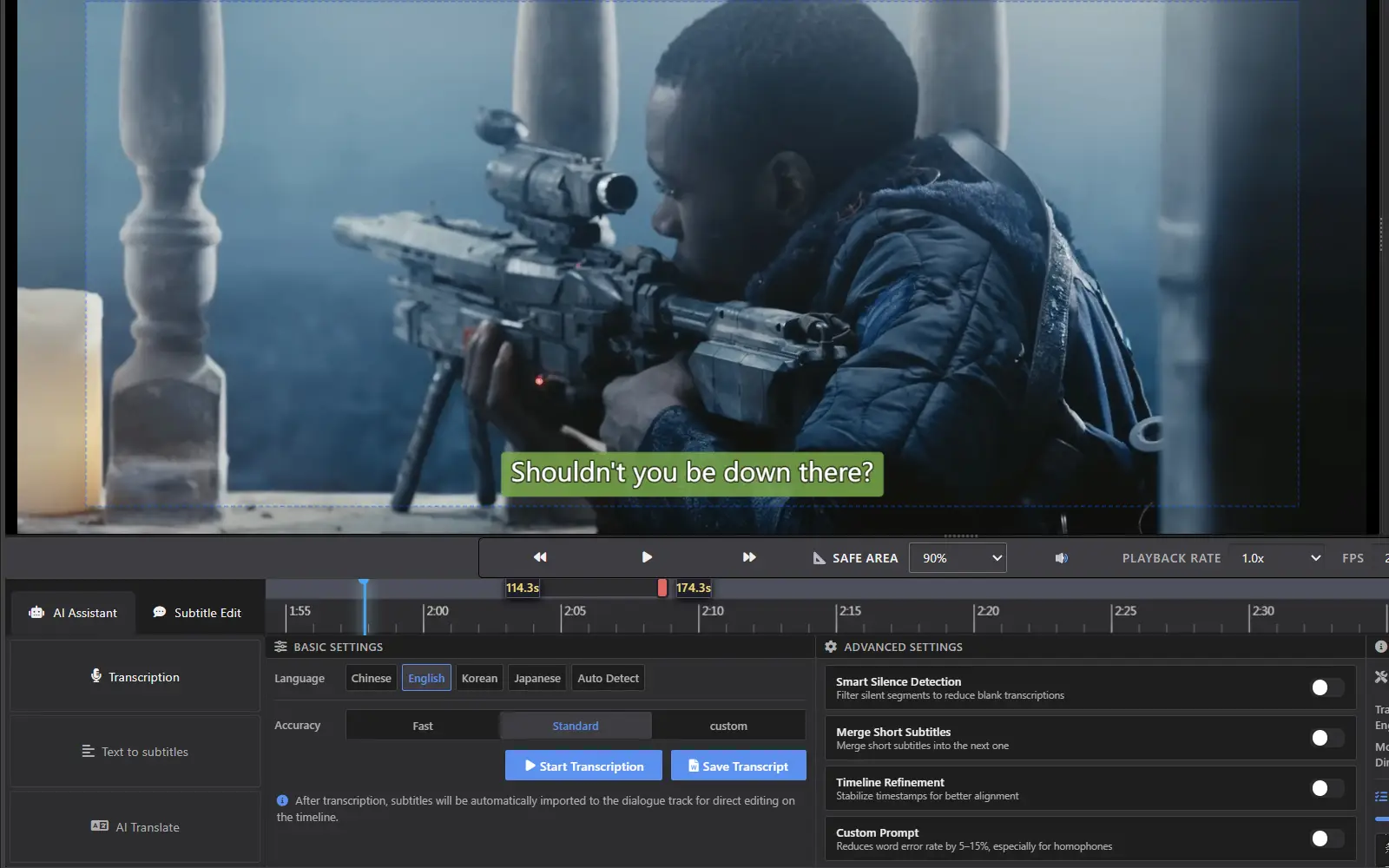
Advanced speech recognition runs entirely offline on your machine. Turn video speech into an accurate subtitle draft with one click, align existing scripts precisely to the audio, and automatically filter silent segments. What once took hours of manual transcription and timing can now be done in a fraction of the time.
Precise Multi-Track Editing, Landscape or Portrait
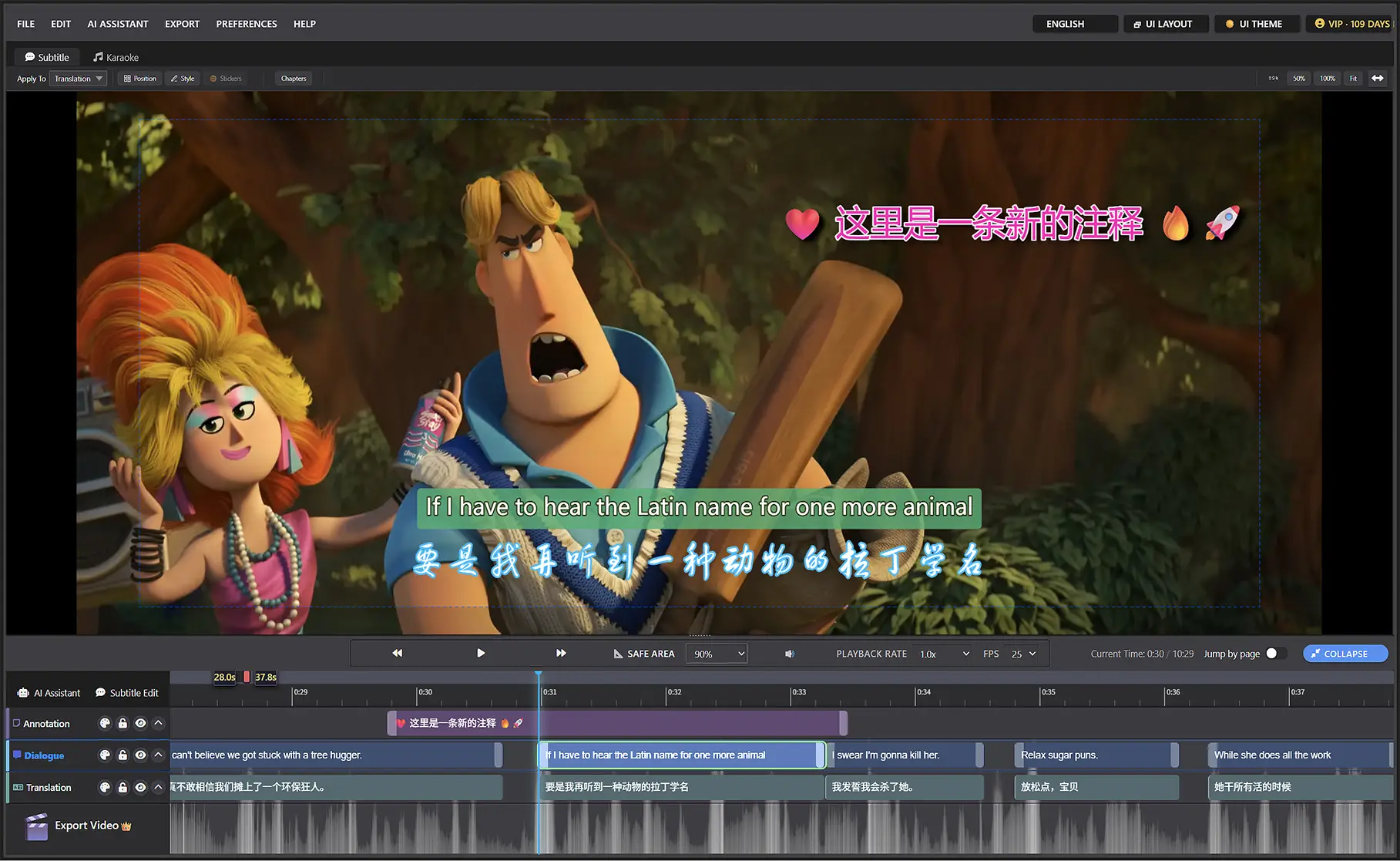
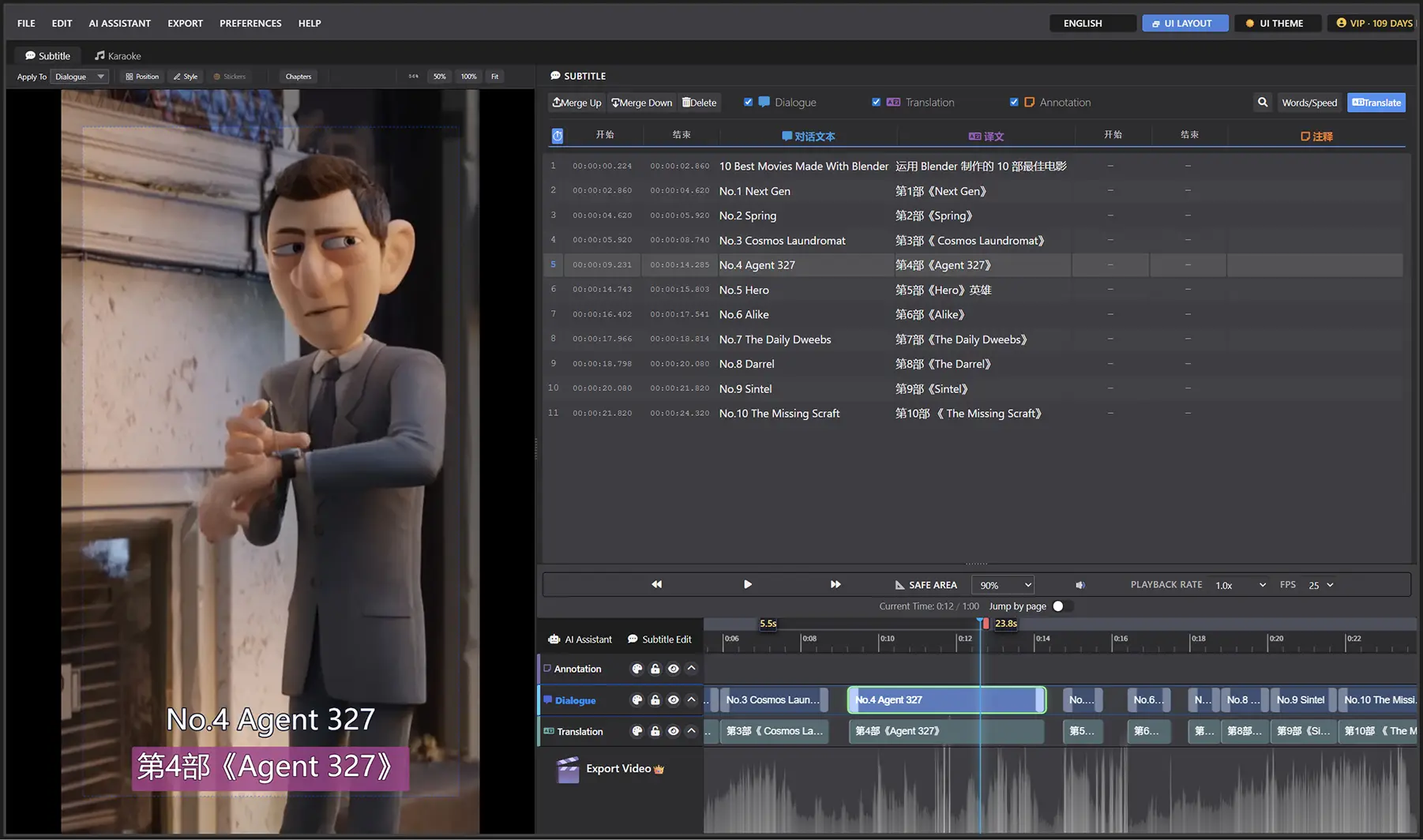
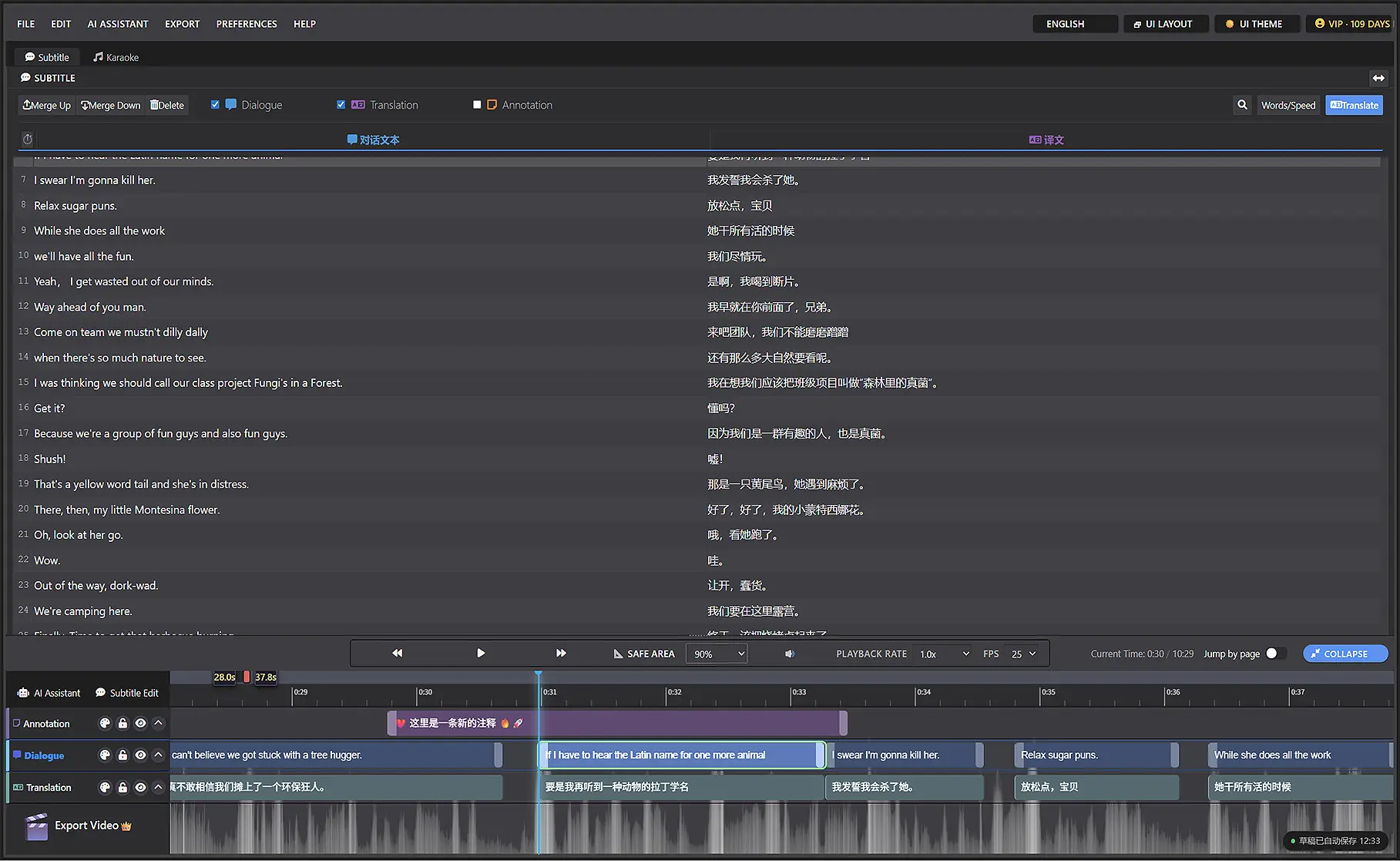
Dialogue, translation, and annotation tracks are independent but stay in sync, with the audio waveform built into the view. Drag handles or use shortcuts to retime, merge, split, and edit subtitles. In wide-screen mode you can see and edit every track at once, with far less switching back and forth. One click switches the interface between 16:9 landscape and 9:16 portrait, so editing is just as precise whether you're working on long-form or short-form video.
AI Translation
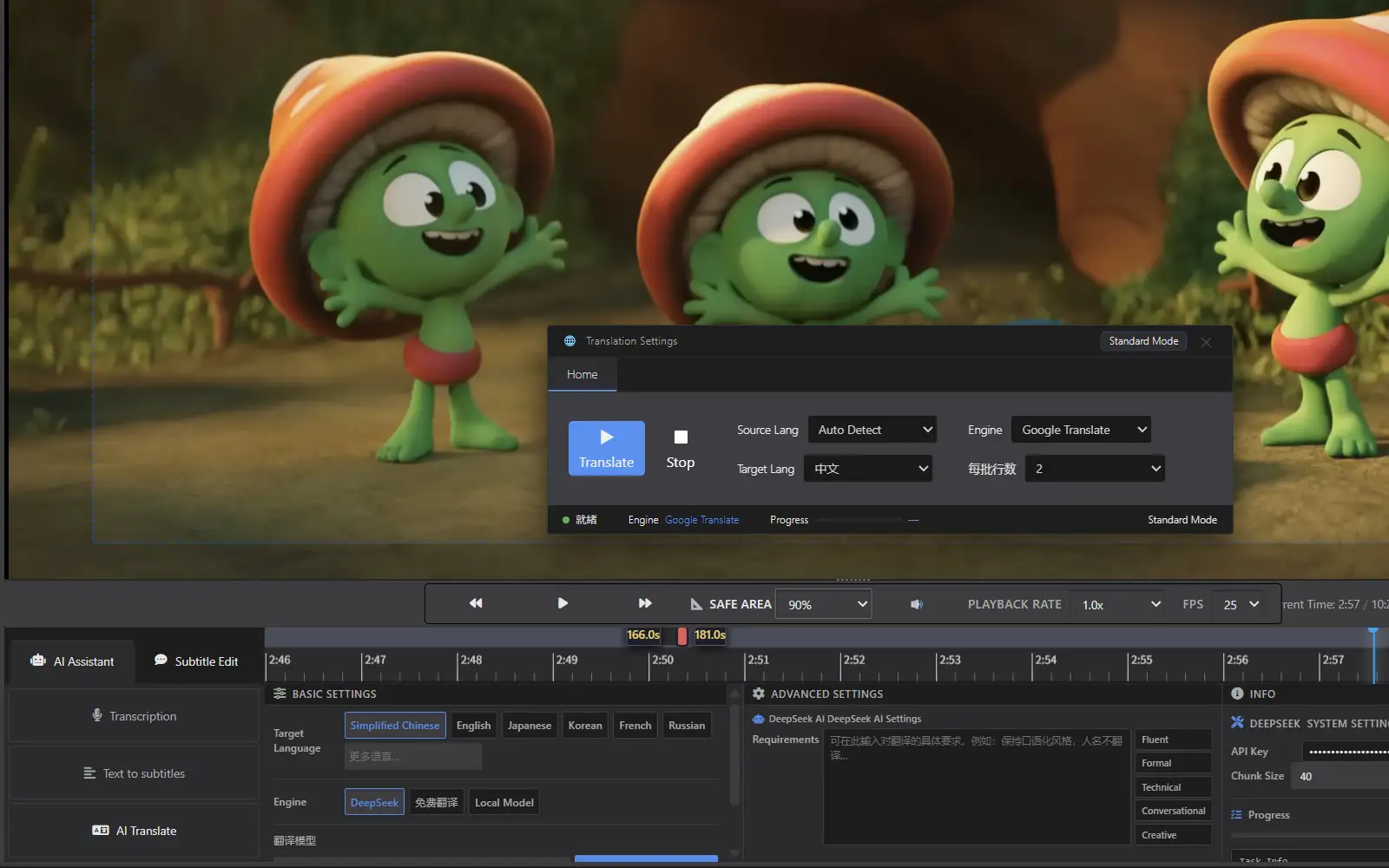
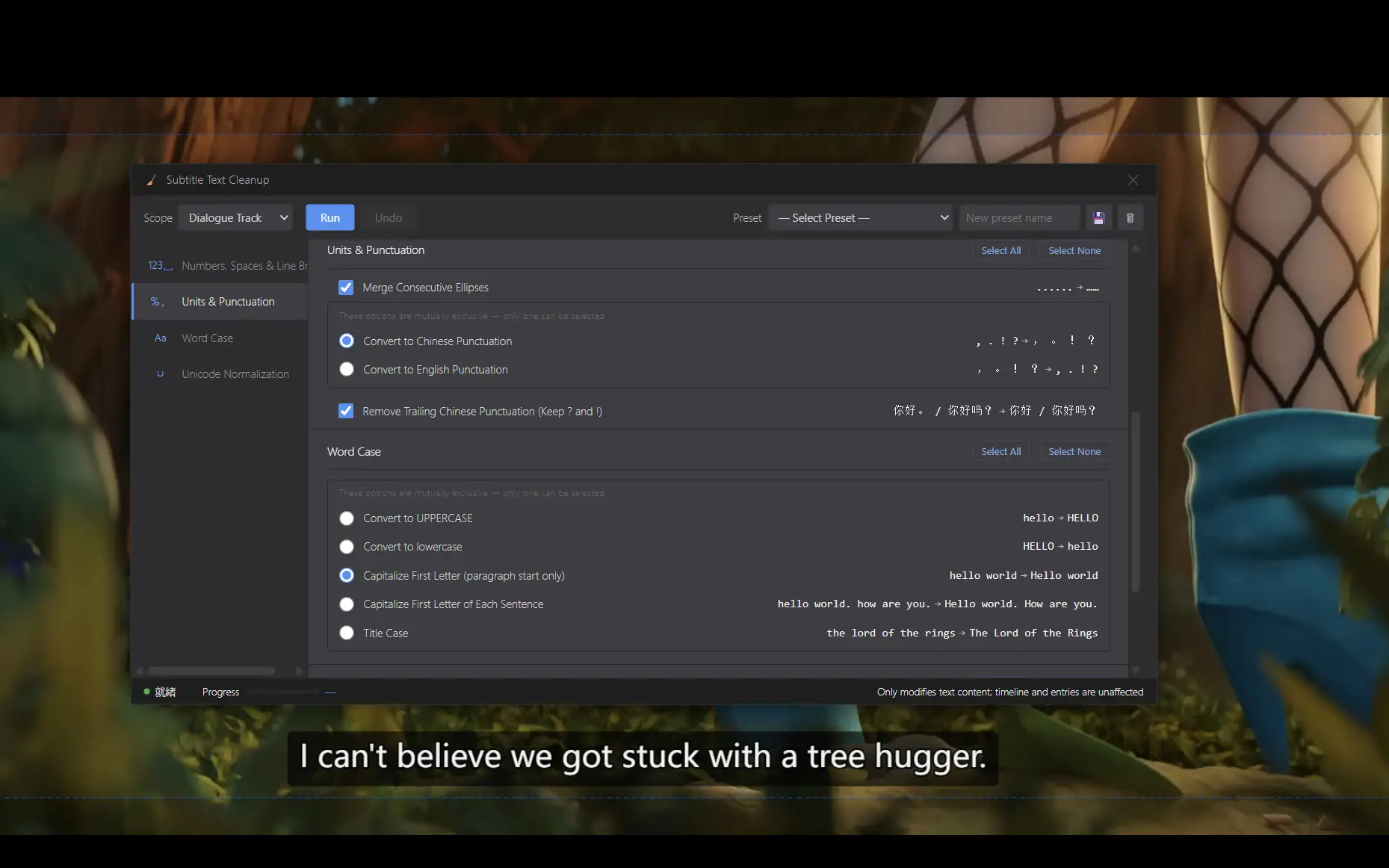
Two free translation engines work out of the box and cover 19 common languages, including Chinese, English, Japanese, Korean, French, and Russian. Connect the DeepSeek API for more natural, native-sounding translations into 100+ languages. Switch between Speed and Quality mode depending on the job, and use the one-click cleanup tool to fix formatting errors in your text.
Export for Any Delivery
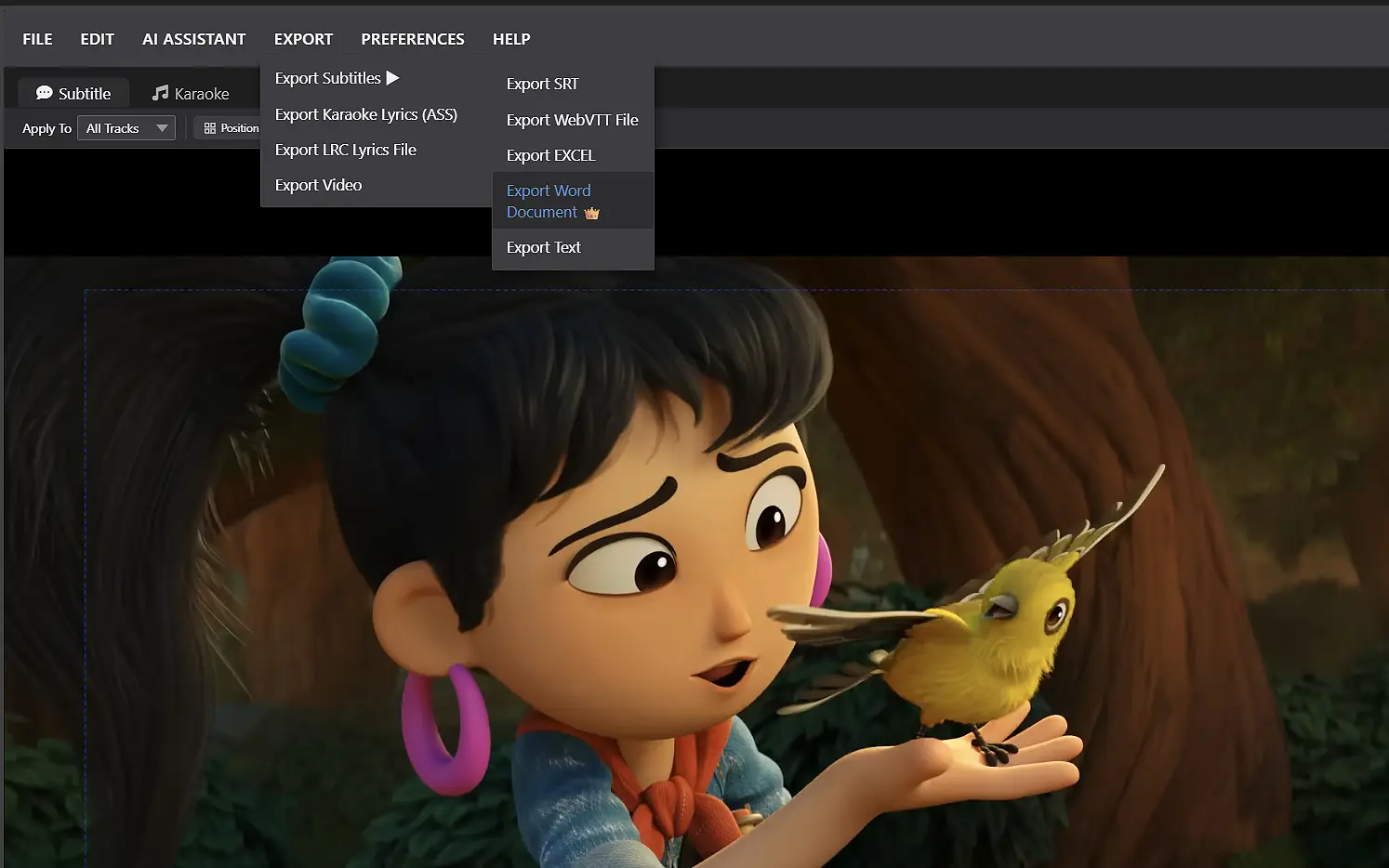
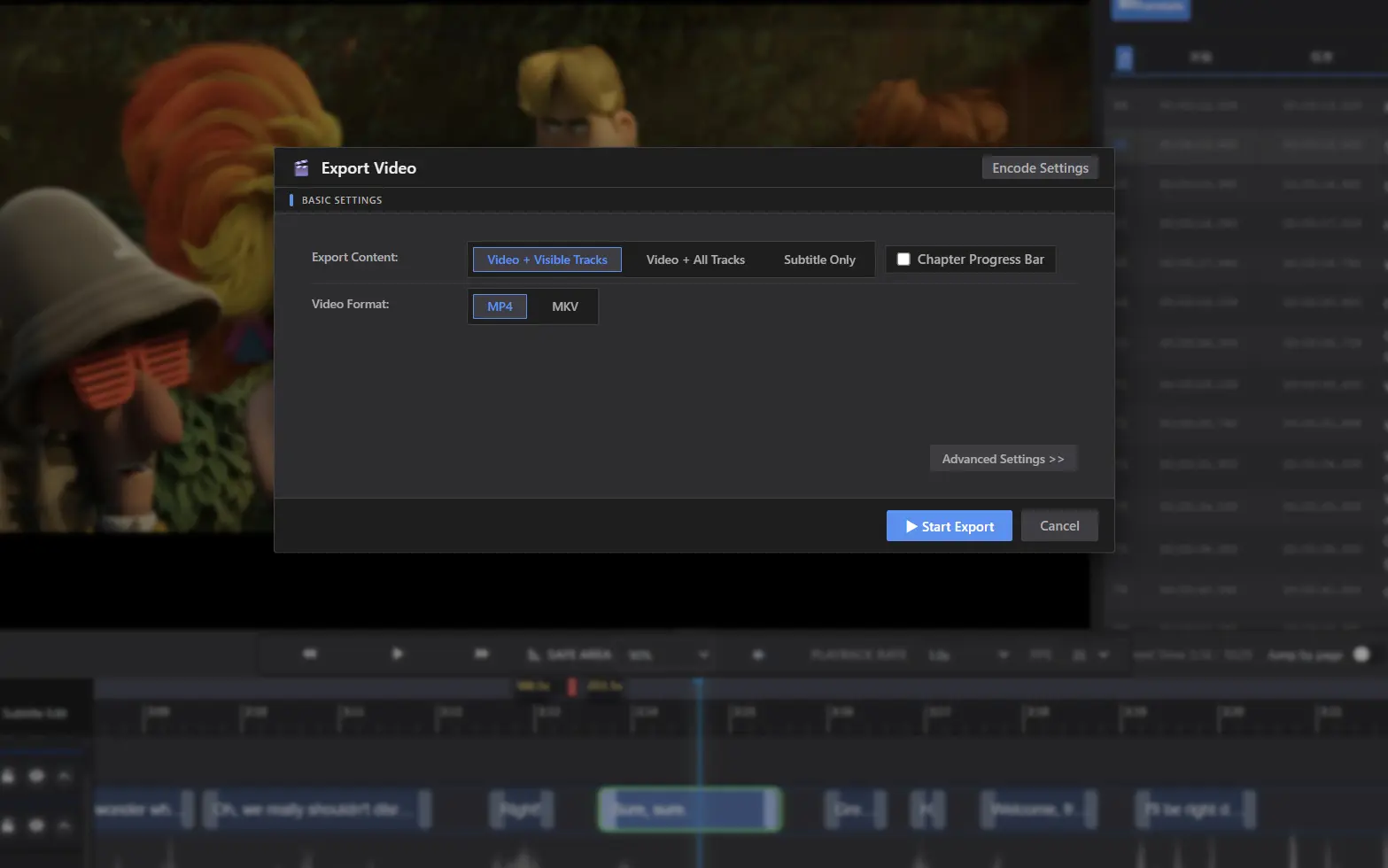
Export video with burned-in subtitles, embedded soft subtitles, or a transparent overlay, and generate SRT, ASS, Excel, Word, and other files in one click. Whether you're publishing, delivering a localization project, compositing in an editor, or archiving for review, one export covers it. Complex styles and effects are preserved as a transparent-background video you can drop into DaVinci Resolve, Premiere Pro, EDIUS, or any other editor.
More Features
AI Transcription
Turn video speech into subtitles in one click, entirely offline — no internet, no privacy worries. Multi-language recognition and built-in VAD skip silence to produce a first draft fast.
AI Script Alignment
Align existing Word or TXT scripts, or LRC lyrics, to the video timeline automatically. It runs locally and matches text to speech with AI, so there's no manual timing.
AI Translation
Free built-in translation (19 common languages), plus high-quality DeepSeek translation via API with 100+ target languages.
Multi-Track Editing
Dialogue, translation, and annotation tracks are independently managed with cross-copying support. Wide-screen mode enables simultaneous viewing and editing, dramatically boosting production efficiency.
Waveform Timeline
Real-time audio waveform display assists with precise alignment. Drag subtitle blocks directly on the timeline for accurate timing adjustments — intuitive operation with true WYSIWYG feedback.
Search & Replace
Search the whole project, batch-replace, and clean up text with built-in tools. Project-wide changes on long videos take a single step.
Subtitle Styles + Chapters & Progress Bar
Style subtitles freely with 9-point positioning, offset, rotation, and Emoji overlays, and add chapter markers and a progress bar.
Edit in Preview
No need to switch views while reviewing — double-click the video frame to fix text on the spot.
Customization
Switch layouts for long-form or short-form video, choose an English, Simplified Chinese, or Traditional Chinese interface, work in Mouse + Keyboard or JKL editing mode, remap hotkeys, and toggle light or dark themes.
FAQ
AI transcription has one-click buttons for Chinese, English, Japanese, and Korean. Click Auto-detect and the Whisper model can recognize many more languages. For translation, the free engines offer 19 common target languages, while AI translation (DeepSeek) offers 100+. We only show a few language buttons to keep the list short and easy to scan — the rest are under Auto-detect and More Languages.
No. AI transcription and script alignment run entirely offline on your computer. They don't use any online quota, and your footage stays private.
Yes. AI translation currently sends text to a cloud-based large language model. We know that raises privacy questions and token costs, so we're working on an AI translation option that runs offline on your computer — keeping your content confidential and saving you token fees. It's still in development and there's no release date yet; we'll share updates as it progresses.
Yes. In our tests, it reliably handles 4K videos over 30 minutes long and 1080p videos up to 5 hours.
The free translation engine costs nothing, so use it as much as you like. AI translation gives better quality, but because it calls a large language model and uses tokens, it has a cost. See the DeepSeek website for current pricing.